
Introducing the T.LY iOS App
T.LY now has a native iOS app for iPhone and iPad.
It is built for the work people already do in T.LY: create short links, manage campaign links, check clicks, watch QR scans, and make changes when something needs to move fast.
Update July 27, 2026: T.LY is now available on Android too. Download T.LY URL Shortener from Google Play.
You can get it here: Download T.LY for iOS from the App Store.
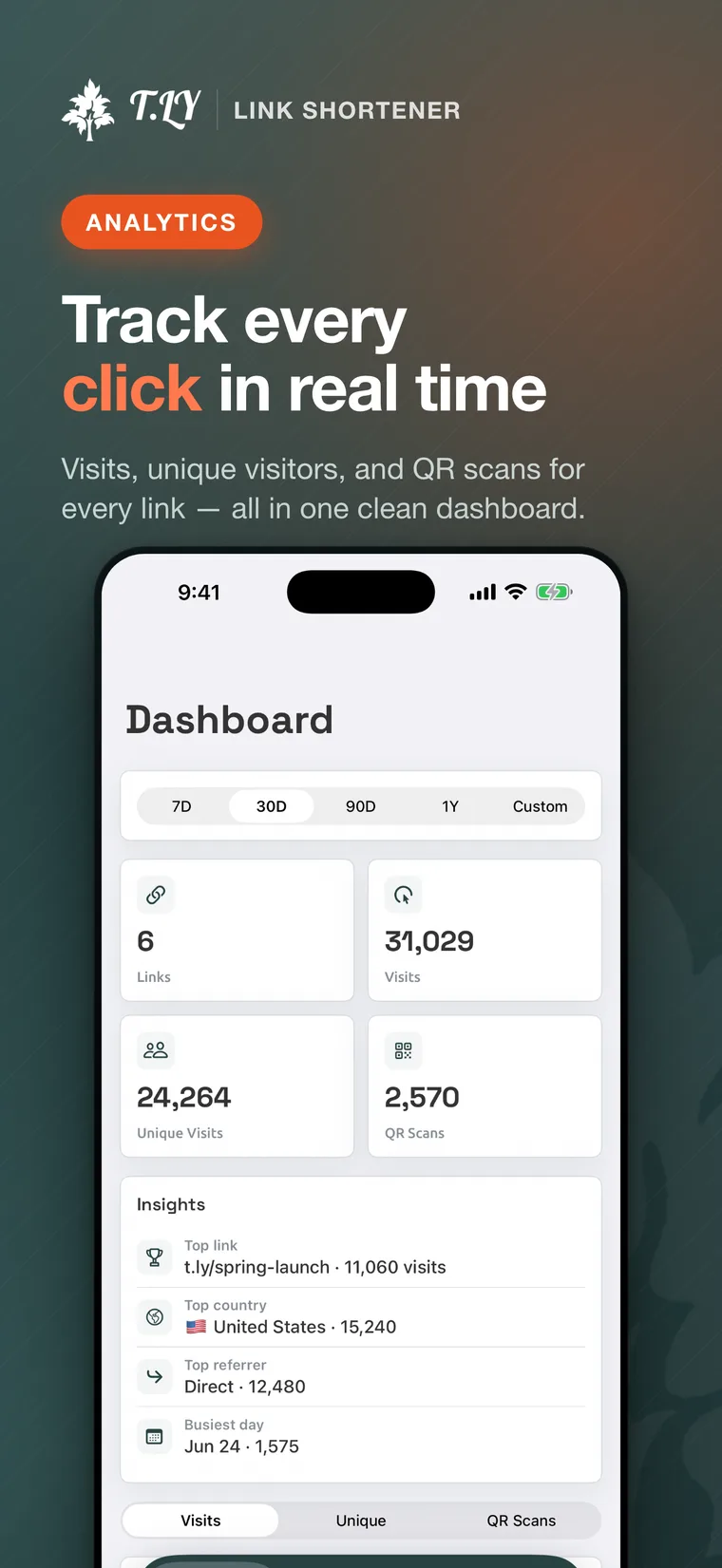
What you can do in the app
The first version is focused on the core mobile jobs:
- Create short links from iPhone or iPad
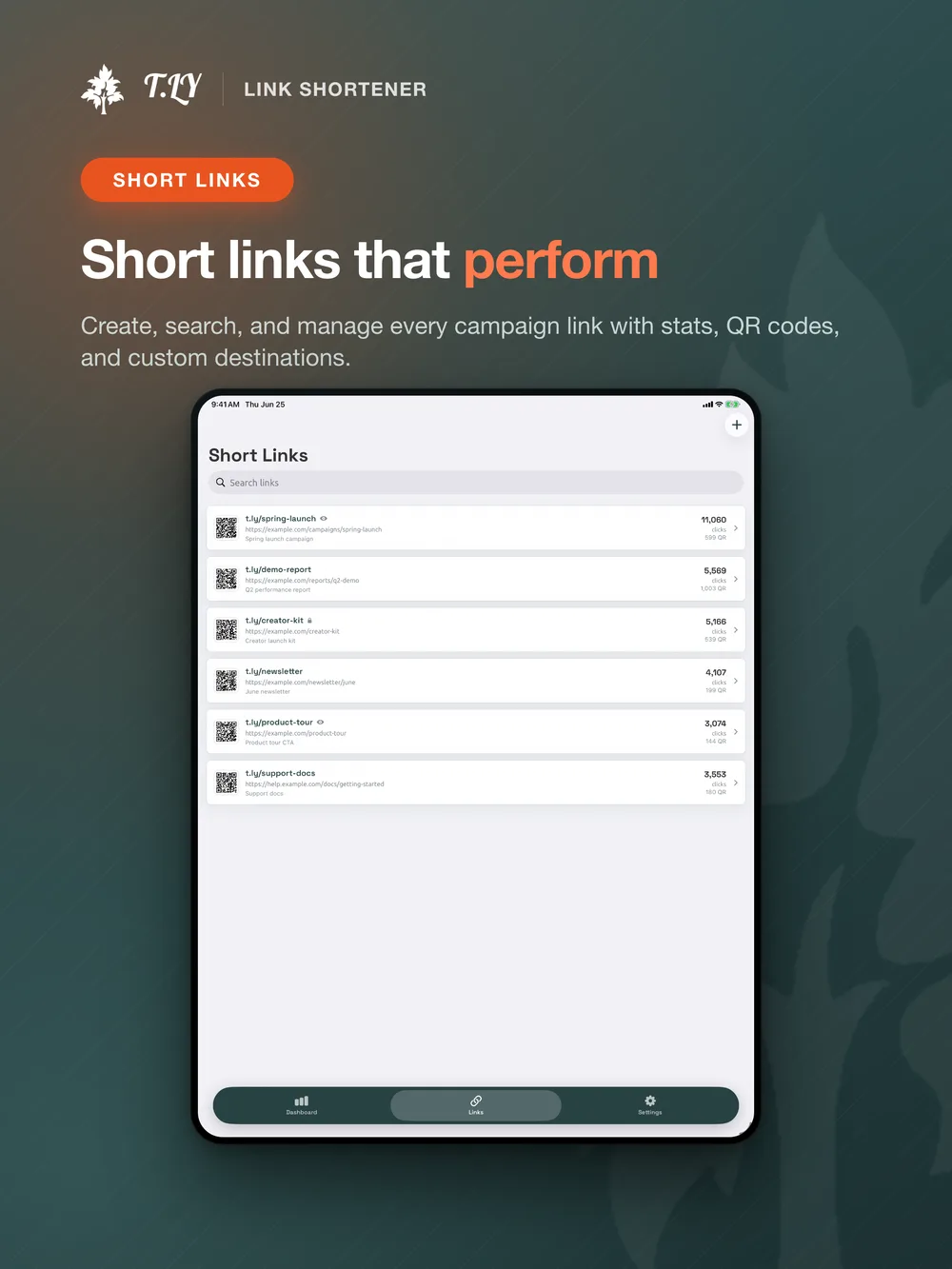
- Search and manage existing short links
- Shorten a page from the iOS share sheet
- Track visits, unique visitors, and QR scans
- Edit destinations, custom endings, and expiration rules
- Generate and customize QR codes
- Keep your domains, links, and account settings within reach
This is a companion app for your T.LY account, so you sign in with the same account you already use on the web.
Manage short links from your phone
Most link work does not happen at a perfect desk moment. You catch a typo after a post goes live. Someone asks for a campaign link during a call. A QR code starts getting scans at an event and you want to check it without pulling out a laptop.
The iOS app gives you a cleaner way to handle those moments. Open the app, search your links, create a new one, copy what you need, and keep moving.
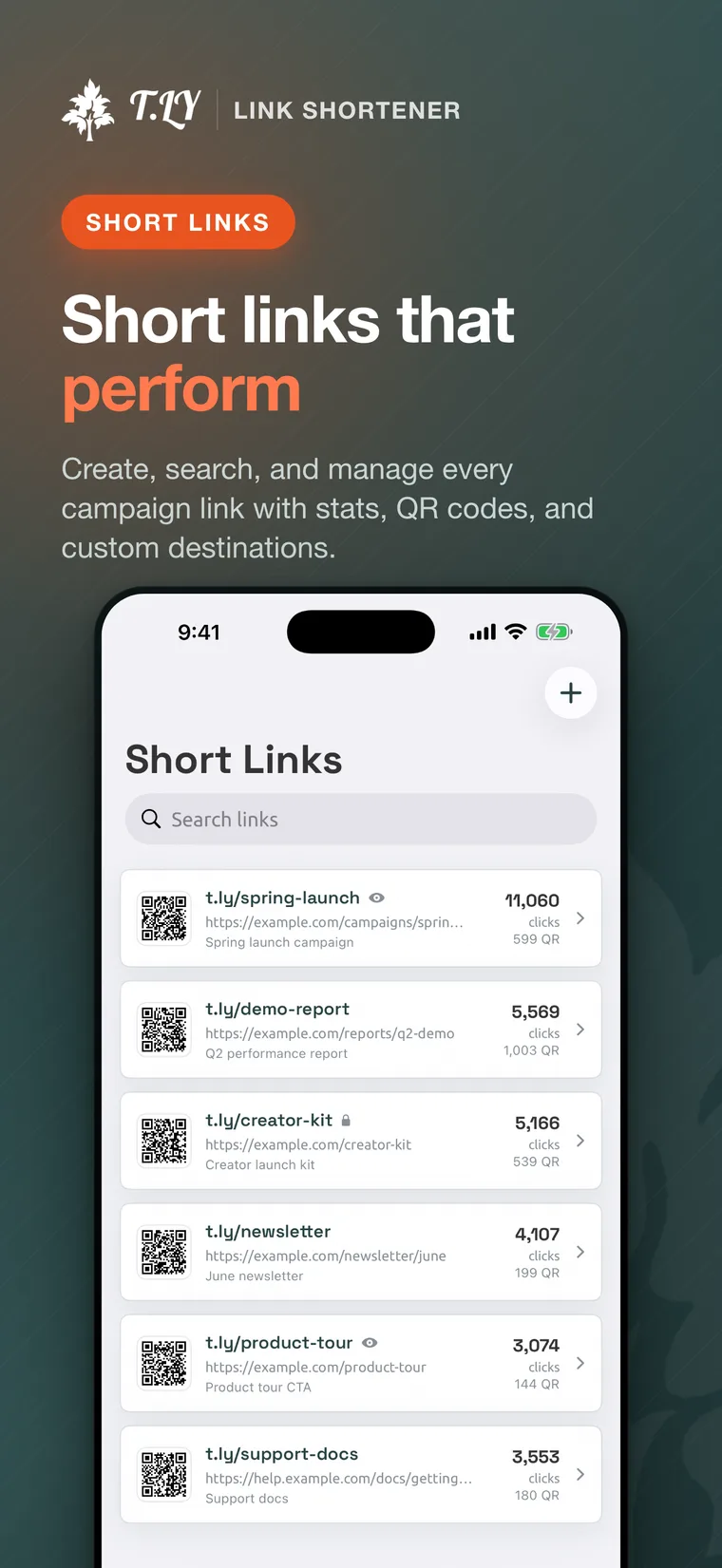
Edit links when plans change
Short links are useful because the destination can change after the link is shared. The app keeps that flexibility on your phone.
You can update the long URL, adjust the custom ending, and manage expiration rules from the edit screen. That matters when a campaign page moves, a link needs to expire, or you need to fix something before more traffic hits it.
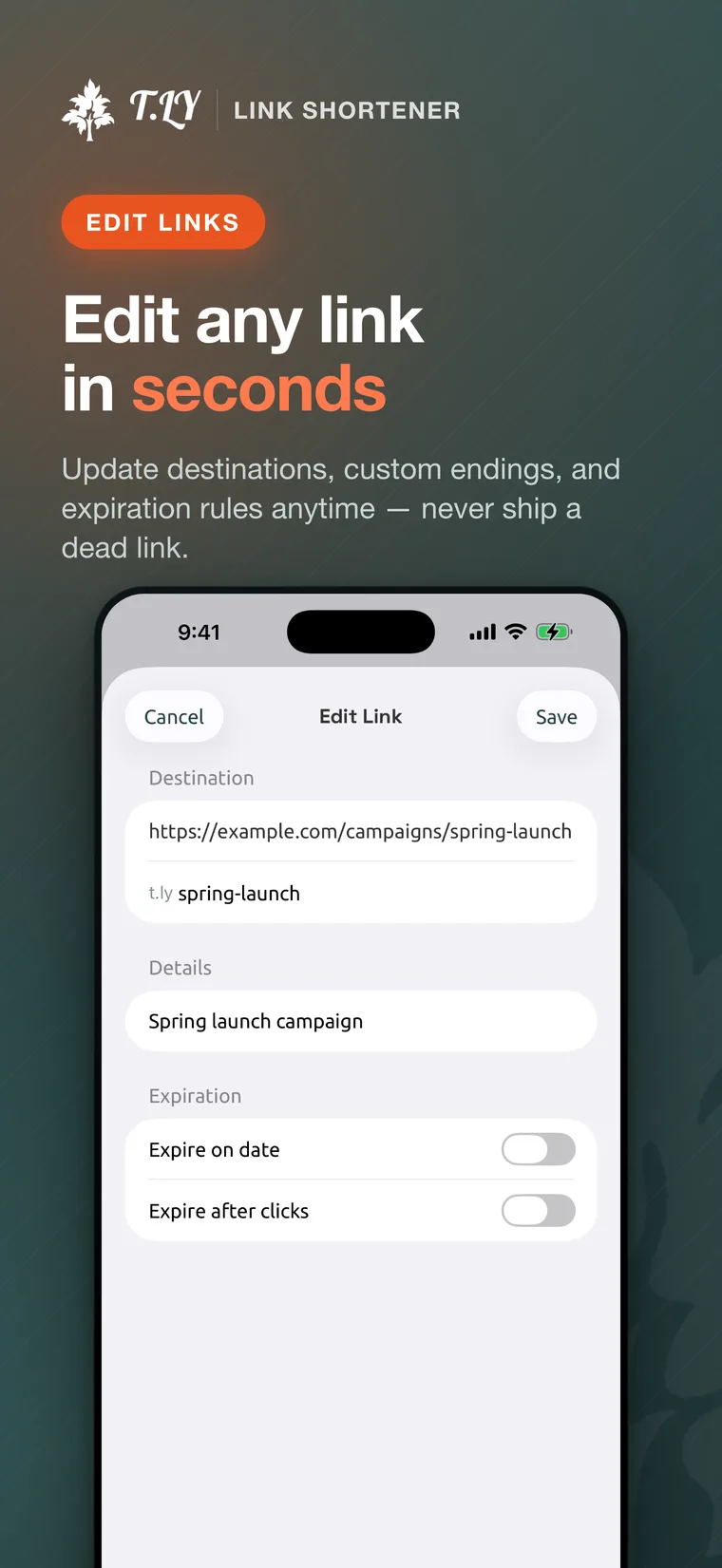
Track clicks and QR scans
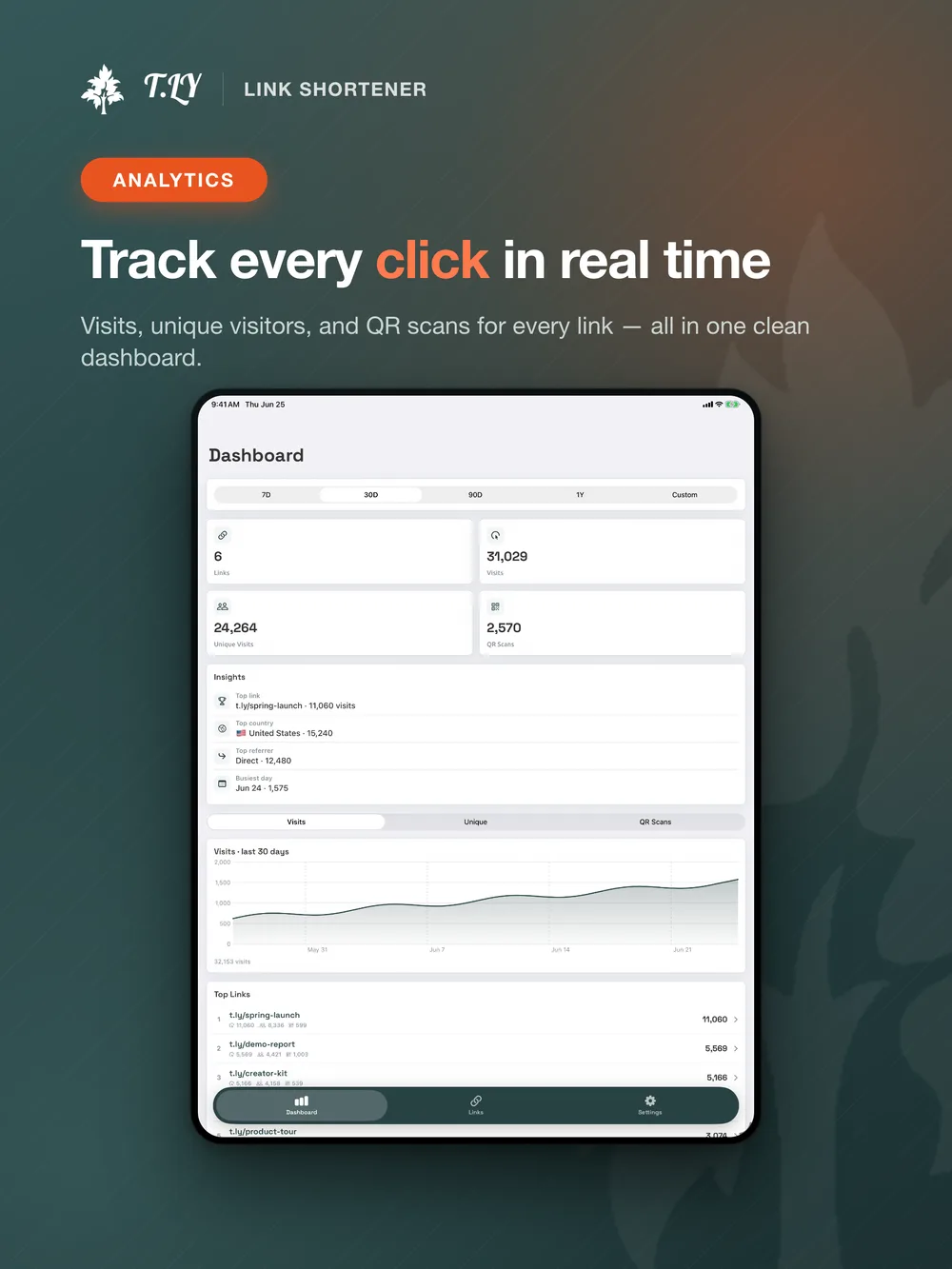
The mobile dashboard shows the numbers people usually check first: visits, unique visitors, QR scans, top links, and traffic trends.
That is useful for social posts, email campaigns, packaging, flyers, events, or anywhere else a short link or QR code is already out in the world. You should not need to wait until you are back at your computer to see if something is working.
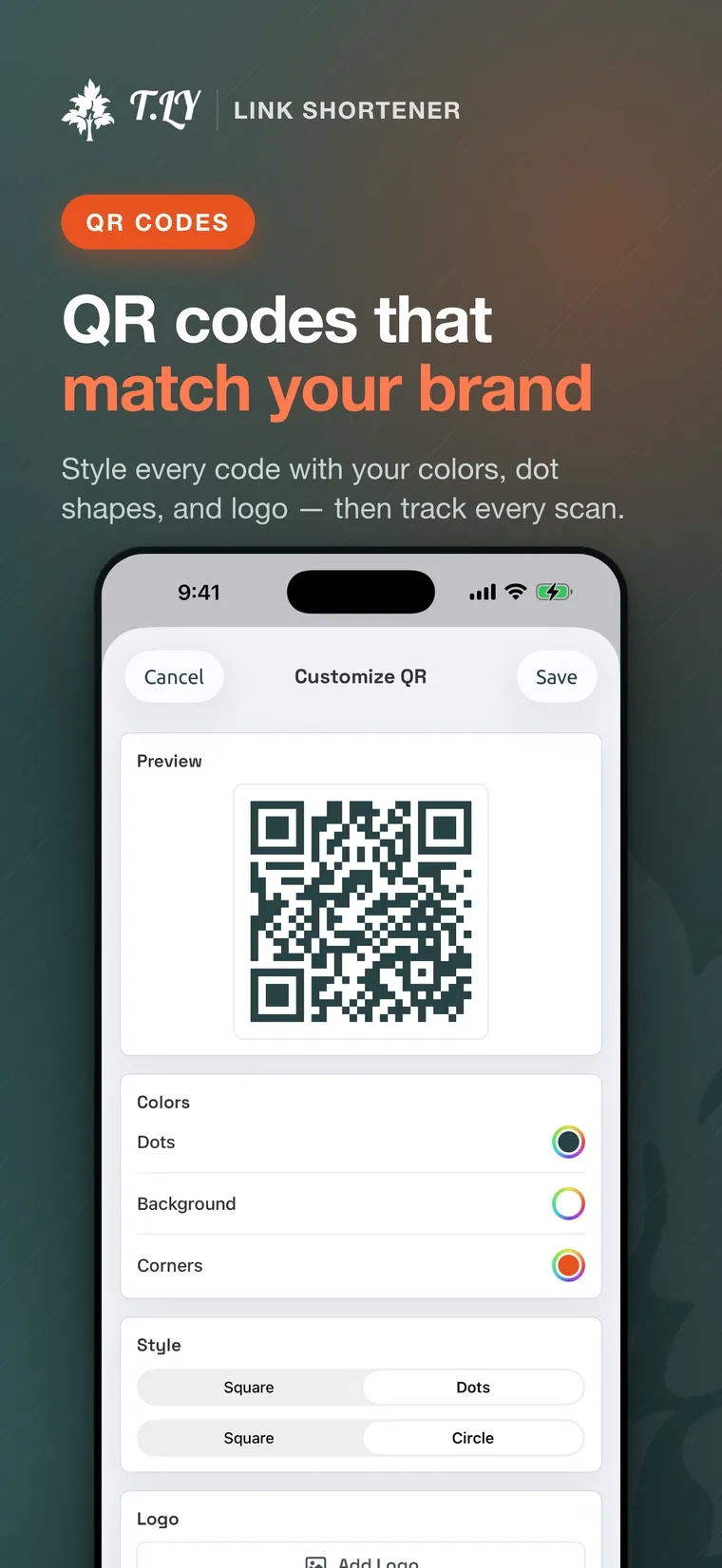
Customize QR codes
QR codes are a big part of how people use T.LY now, so they are part of the app too.
You can style QR codes with your colors, dot styles, corner styles, and logo. Then you can track scans alongside link clicks, which keeps print and offline campaigns from disappearing from the report.
Built for iPhone and iPad
The app works on iPhone when you need a quick check, and on iPad when you want more room for dashboards, charts, and link lists.
We want your feedback
This is the first version of the app, not the finish line.
We plan to improve it based on what T.LY users actually need on mobile. If something feels clunky, if a workflow takes too many taps, or if there is a feature you expected to see, send it over.
Email [email protected] with the subject T.LY iOS App Feedback. A short note is enough. Tell us what you were trying to do, what device you were using, and what would have made it easier.
Download the app
If you use T.LY on the web, the iOS app gives your links and QR codes a better home on your phone and tablet.
Download T.LY from the App Store or Google Play, sign in with your T.LY account, and try it with your next campaign.
Related Posts


Tim Leland
Useful Tools
Ready to improve how you manage links?
T.LY URL Shortener makes long links look cleaner and easier to share! Add your own Custom Domains to personalize your brand. Create Smart Links to customize a URL's destination. Generate QR codes to promote your business.
Start your 5-day trial Browser Extension



