Introducing the T.LY Android App
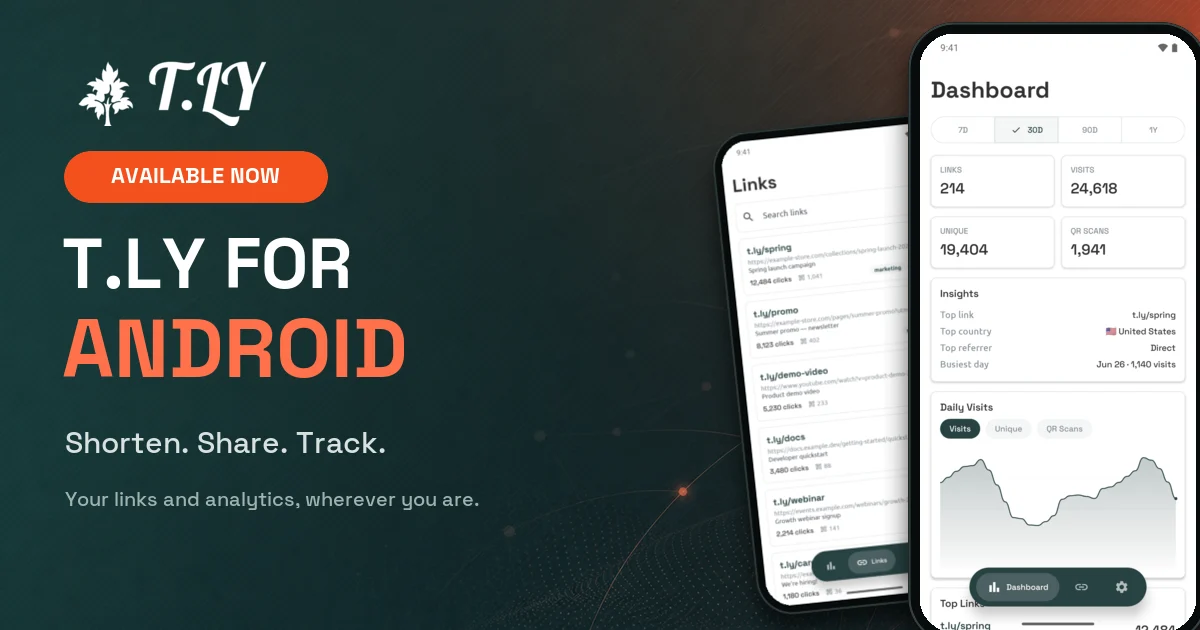
T.LY now has a native Android app for phones and tablets.
It brings the work people already do in T.LY to Android: create short links, manage campaign links, check clicks, watch QR scans, and make changes when something needs to move fast.
We recently launched the T.LY app for iPhone and iPad. Now Android users can manage the same T.LY account from their device.
You can get it here: Download T.LY URL Shortener from Google Play.
What you can do in the app
The first version is focused on the core mobile jobs:
- Create short links from your Android phone or tablet
- Share a URL to T.LY from another app and have the short link copied automatically
- Shorten a link from your clipboard with one tap
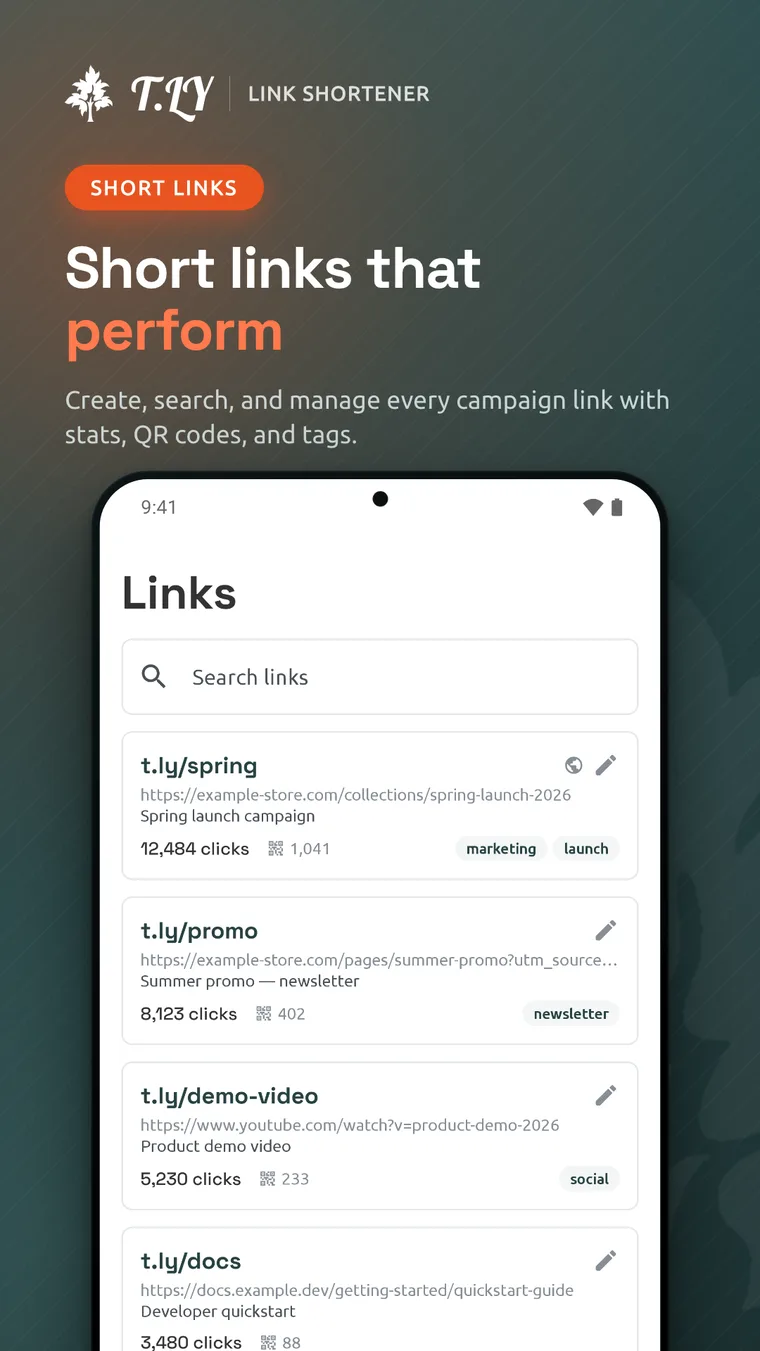
- Search and manage existing short links
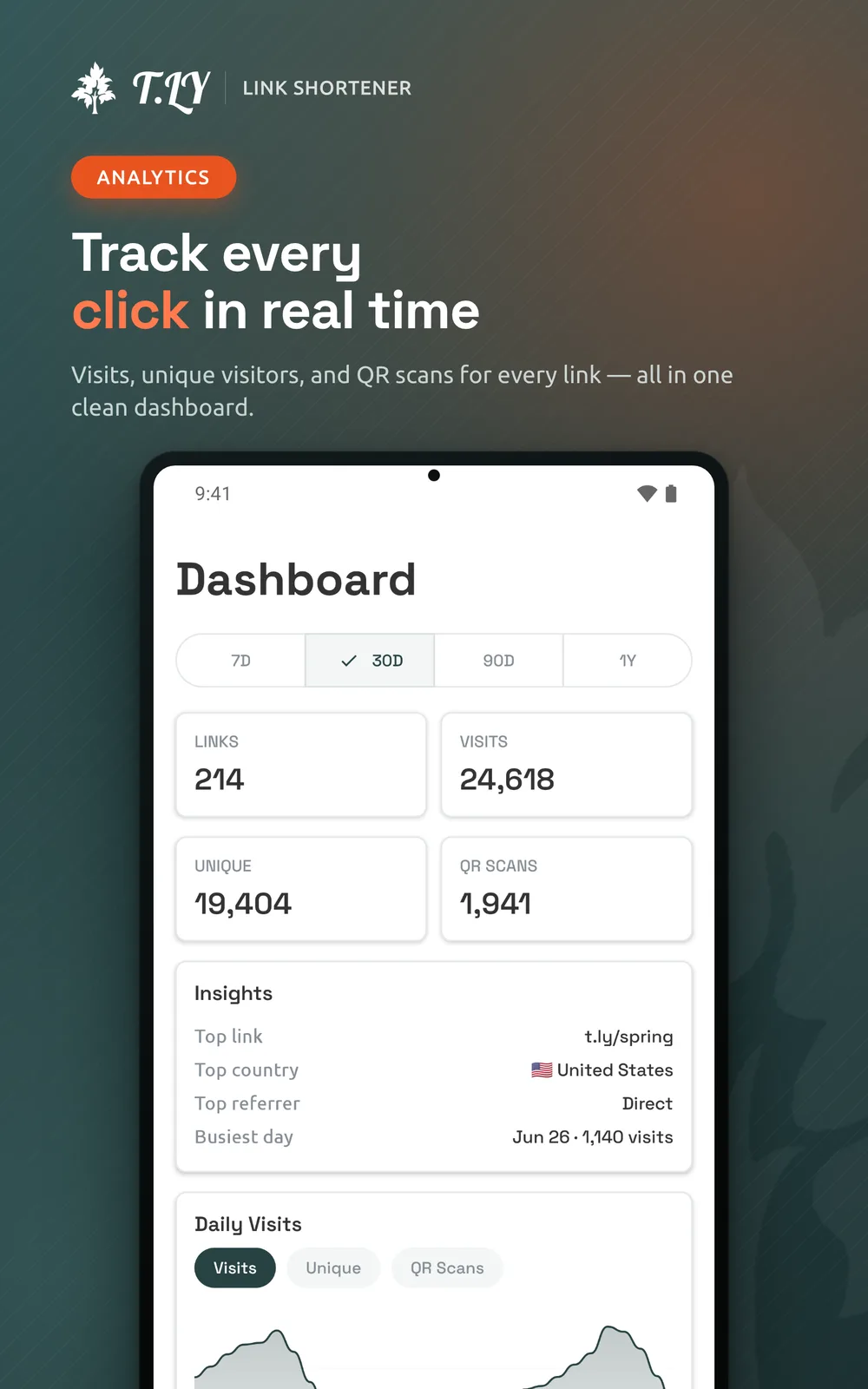
- Track visits, unique visitors, and QR scans
- Edit destinations, descriptions, custom endings, tags, and expiration rules
- Password-protect links and choose whether their stats are public
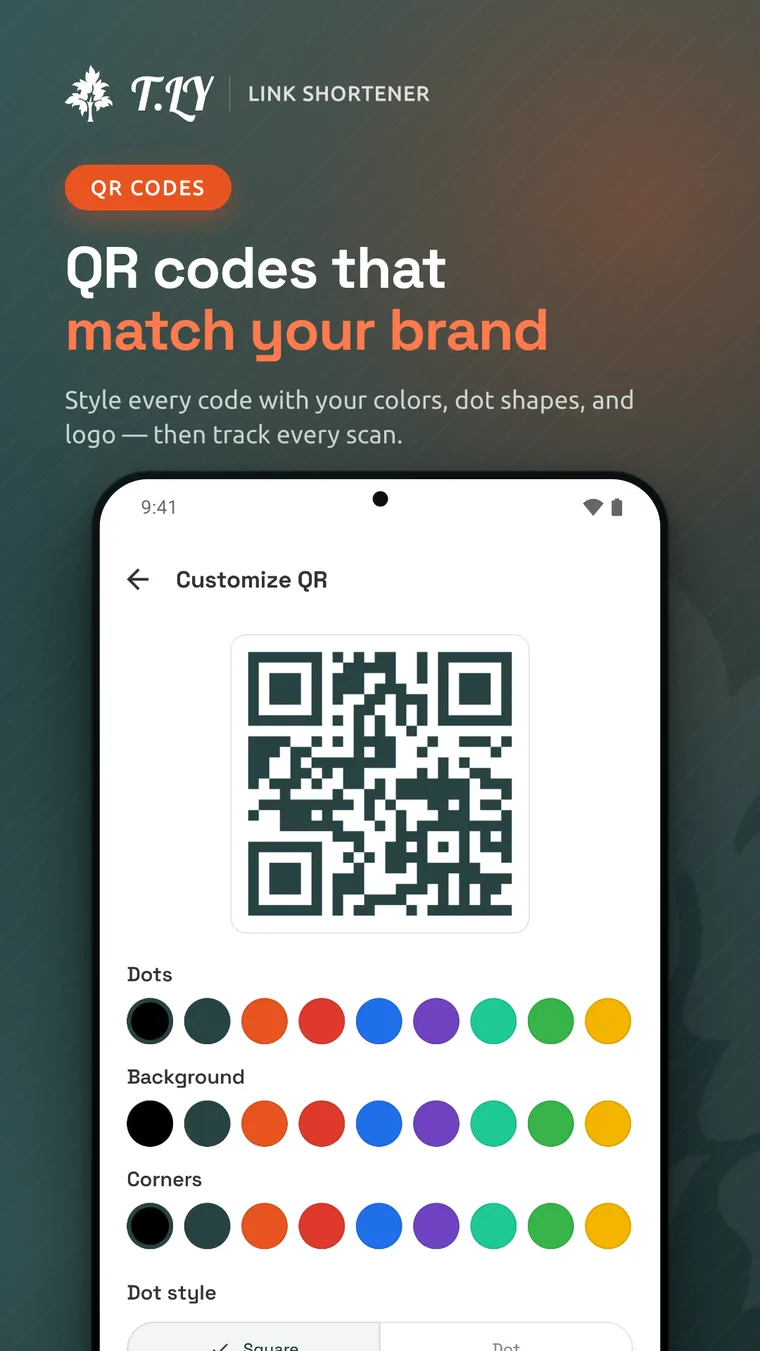
- Generate and customize QR codes
- Use your own branded short domains
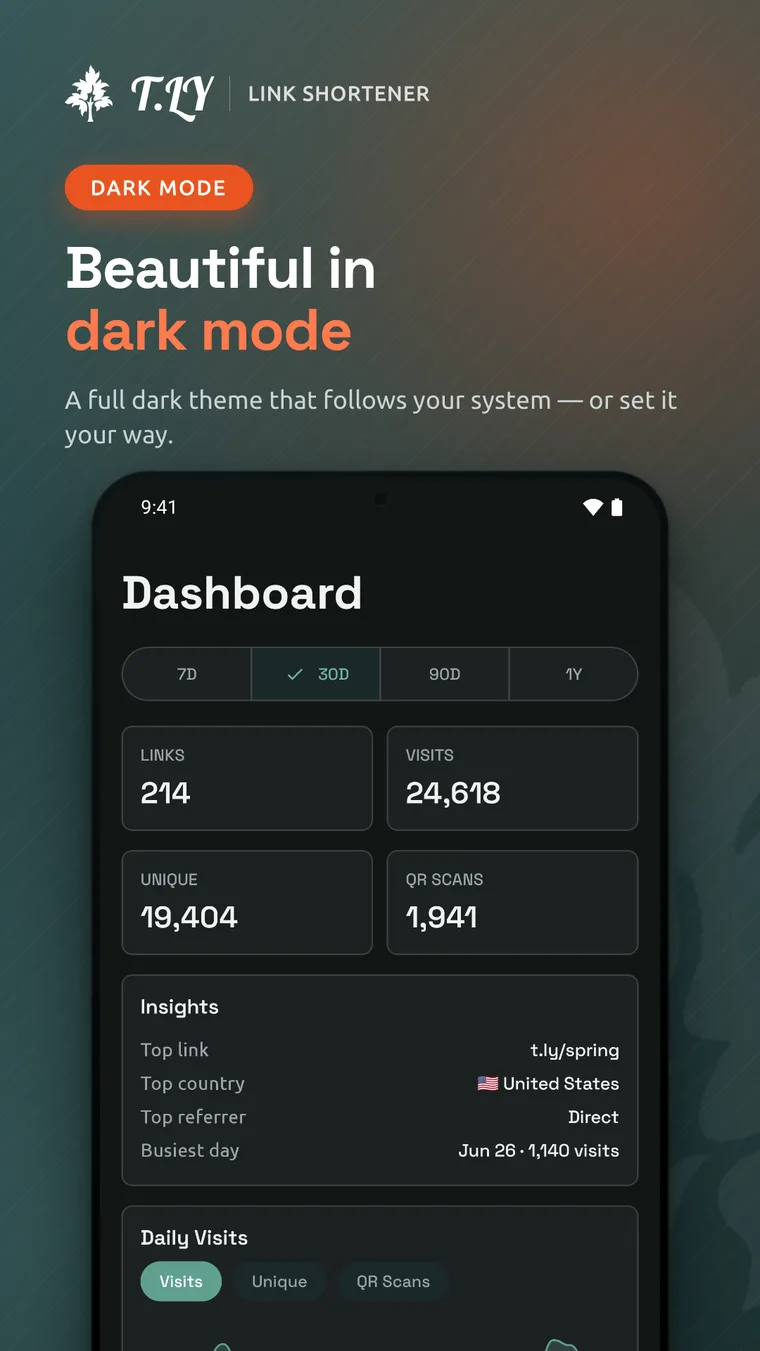
- Switch between light and dark mode
This is a companion app for your T.LY account, so you sign in with the same account you already use on the web. If you are new to T.LY, create your account on the web before signing in to the app.
Shorten links from anywhere
Android's share menu makes the app useful before you even open it.
Share a URL to T.LY from Chrome, YouTube, a news app, or anywhere else on your phone. The app creates the short link and copies it so it is ready to paste. If you already copied a URL, the app can pick it up from your clipboard and shorten it with one tap.
That cuts out the usual routine of switching apps, pasting a long link into a form, and copying the result.
Manage short links from your phone
Most link work does not happen at a perfect desk moment. You catch a typo after a post goes live. Someone asks for a campaign link during a call. A QR code starts getting scans at an event and you want to check it without opening a laptop.
The Android app keeps those jobs close. Open the app, search your links, create a new one, copy what you need, and keep moving.
Edit links when plans change
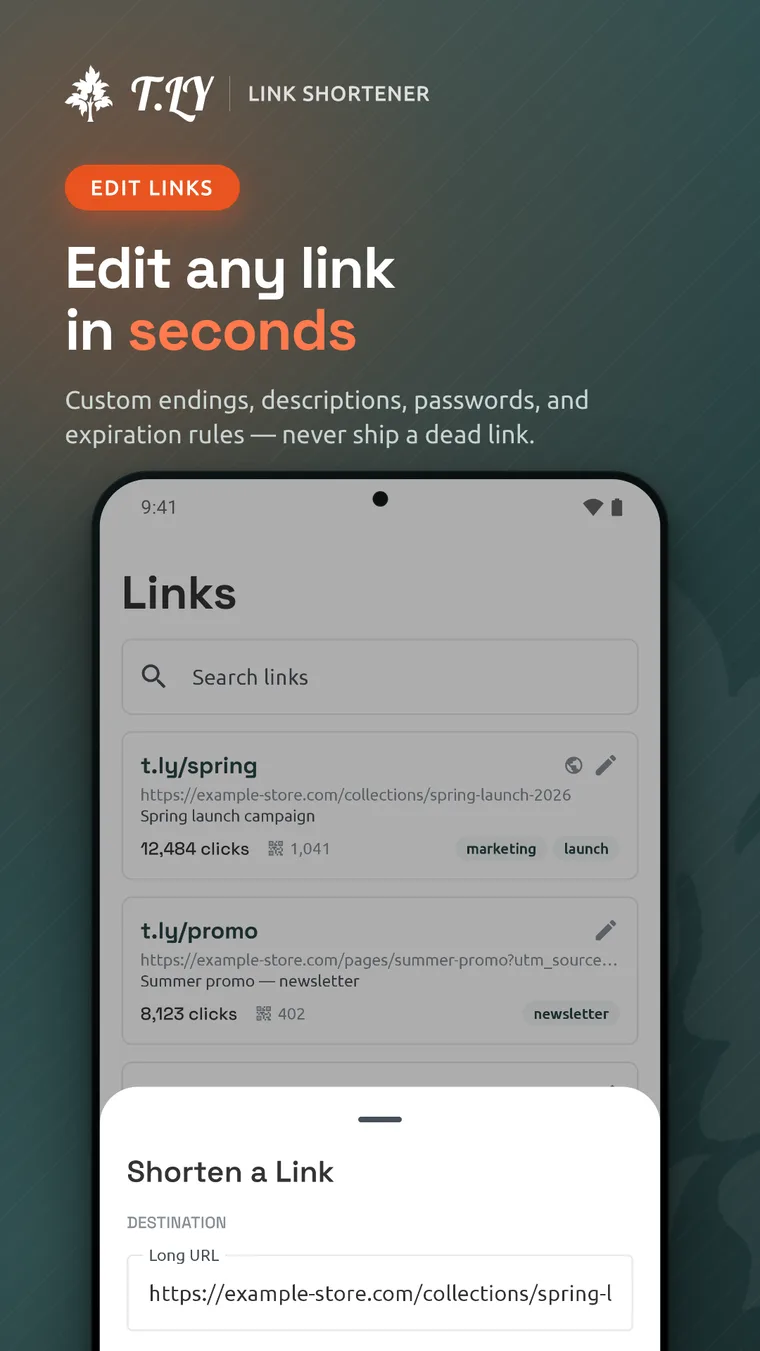
Short links are useful because the destination can change after the link is shared. The app keeps that flexibility on your phone.
You can update the long URL, custom ending, description, tags, password, and expiration rules from the edit screen. That matters when a campaign page moves, a link needs to expire, or you need to fix something before more traffic hits it.
Track clicks and QR scans
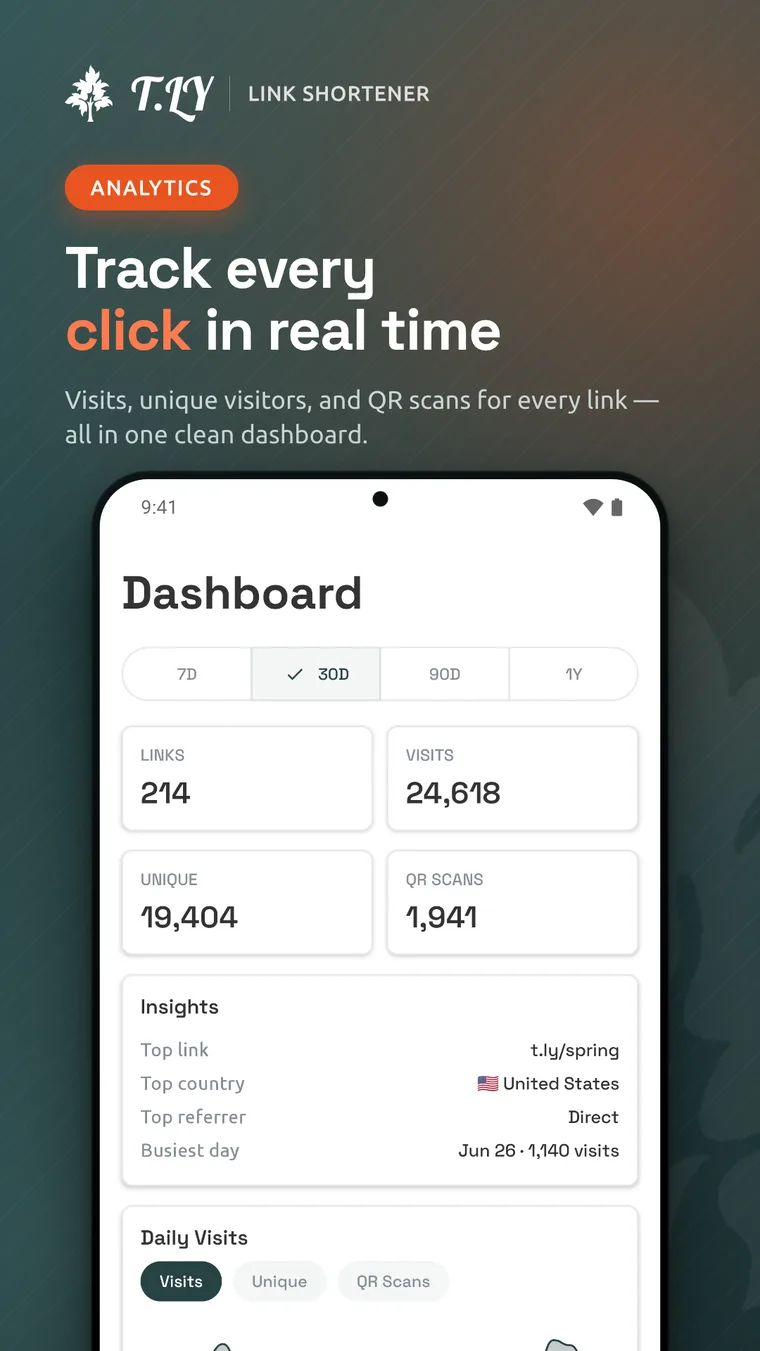
The mobile dashboard shows the numbers people usually check first: visits, unique visitors, QR scans, top links, and traffic trends.
You can switch between 7-day, 30-day, 90-day, and one-year views, then dig into countries, cities, referrers, browsers, platforms, and languages. Per-link reports make it easy to check one campaign without sorting through the rest of your account.
That is useful for social posts, email campaigns, packaging, flyers, events, or anywhere else a short link or QR code is already out in the world.
Customize QR codes
Every short link gets a QR code. From the Android app, you can change its colors, dot style, and corner style, or add your logo in the center.
The QR code stays connected to the short link, so its scans show up alongside your click data.
Made for Android
The app uses Android's native share menu, follows Material You patterns, and includes a full dark theme that can follow your system setting.
It also works on Android tablets when you want more room for dashboards, charts, and link lists.
We want your feedback
This is the first version of the Android app, not the finish line.
We plan to improve it based on what T.LY users actually need on mobile. If something feels clunky, if a workflow takes too many taps, or if there is a feature you expected to see, send it over.
Email [email protected] with the subject T.LY Android App Feedback. A short note is enough. Tell us what you were trying to do, what device you were using, and what would have made it easier.
Download the app
If you use T.LY on the web, the Android app gives your links and QR codes a better home on your phone or tablet.
Download T.LY URL Shortener from Google Play, sign in with your T.LY account, and try it with your next campaign.
Use an iPhone or iPad instead? Read about the T.LY iOS app and download it from the App Store.




Tim Leland
Useful Tools
Ready to improve how you manage links?
T.LY URL Shortener makes long links look cleaner and easier to share! Add your own Custom Domains to personalize your brand. Create Smart Links to customize a URL's destination. Generate QR codes to promote your business.
Start your 5-day trial Browser Extension



