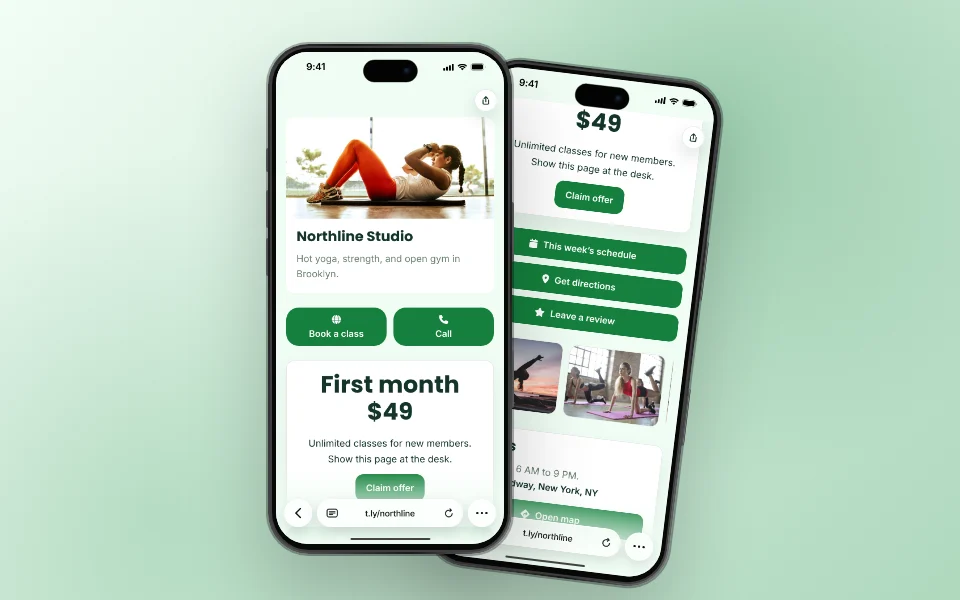
OneLinks for Local Businesses
Hours, map, booking, menu, and offers on one page for your window, receipts, and profiles.
Local Businesses Use CaseGive local customers one clean place to leave a review, pick a platform, or send private feedback. Review Link Hub uses a OneLink review request block to route happy customers toward public review sites and unhappy customers toward a private feedback form before the issue becomes public.
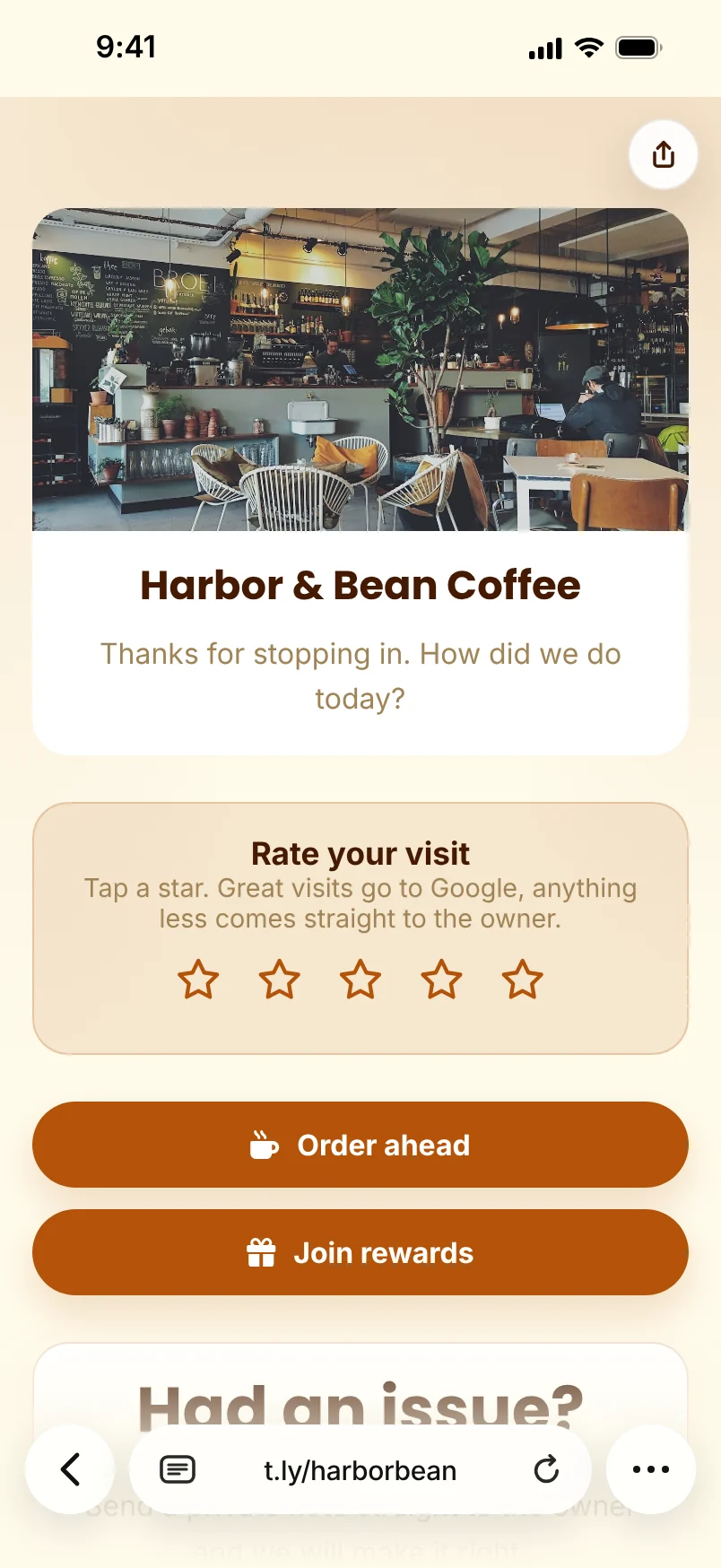
A customer who had a great visit should get to Google, Yelp, TripAdvisor, Facebook, or Trustpilot fast. A frustrated customer should get a private path to your team first.
Put Google reviews, Yelp, TripAdvisor, Facebook, Trustpilot, and your own feedback form behind one short branded URL and QR code.
Keep the same QR code on receipts, table tents, front-desk cards, invoices, and packaging while updating the destinations inside T.LY.
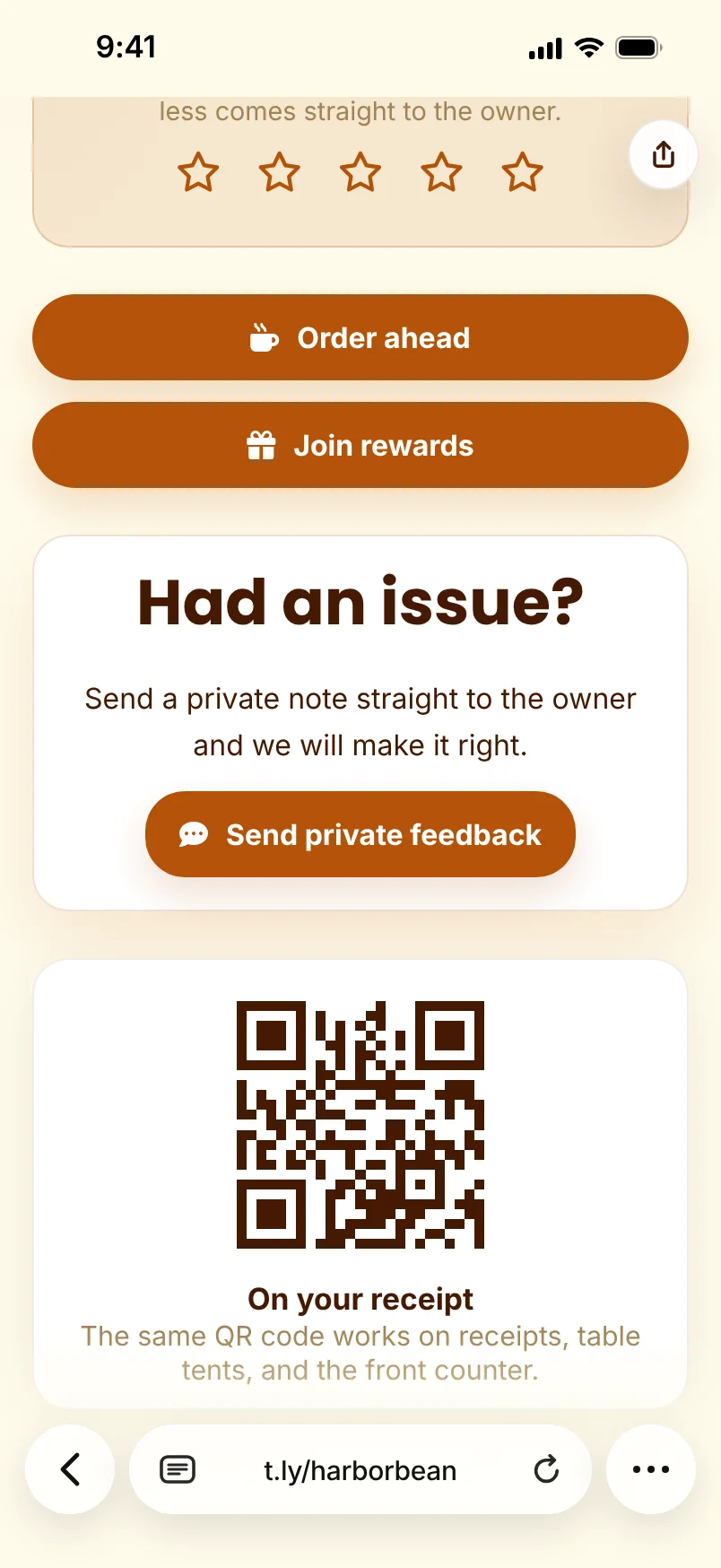

It is one mobile page that gives customers review options, business info, and a private feedback path from one short URL or QR code.
Yes. The Review Link Hub template uses a review request block that can send high ratings to a public review destination and lower ratings to a private feedback URL or email.
Yes. Add each platform as a button so customers can choose the review site they already use.
Use it in SMS follow-ups, email receipts, printed review cards, table tents, packaging, invoices, front-desk signage, and staff follow-up messages.
Yes. Update the OneLink page in T.LY and keep the same short URL and QR code live.
Hours, map, booking, menu, and offers on one page for your window, receipts, and profiles.
Local Businesses Use Case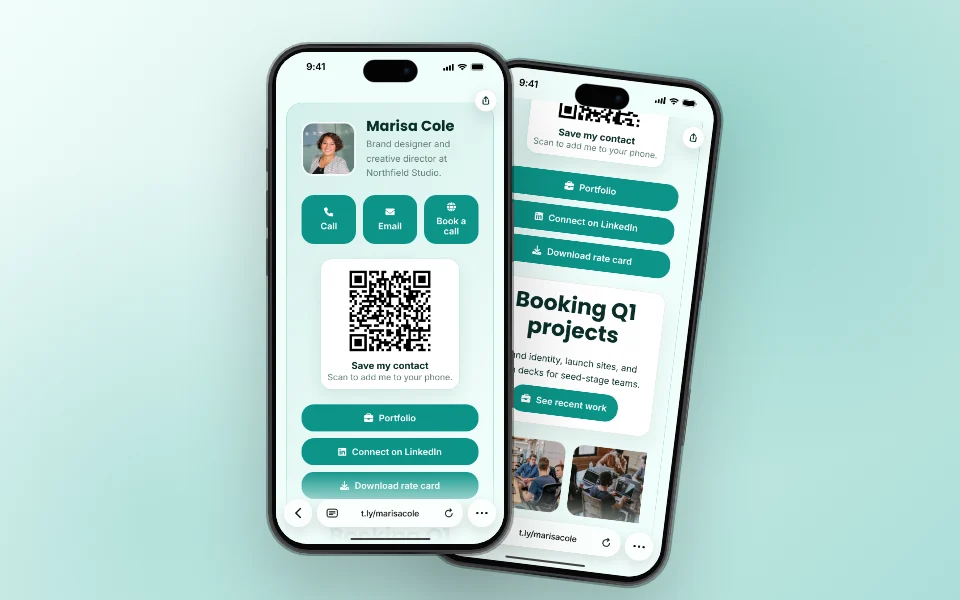
A digital card people can save, book from, and open with a QR, on your own short URL.
Business Cards Use Case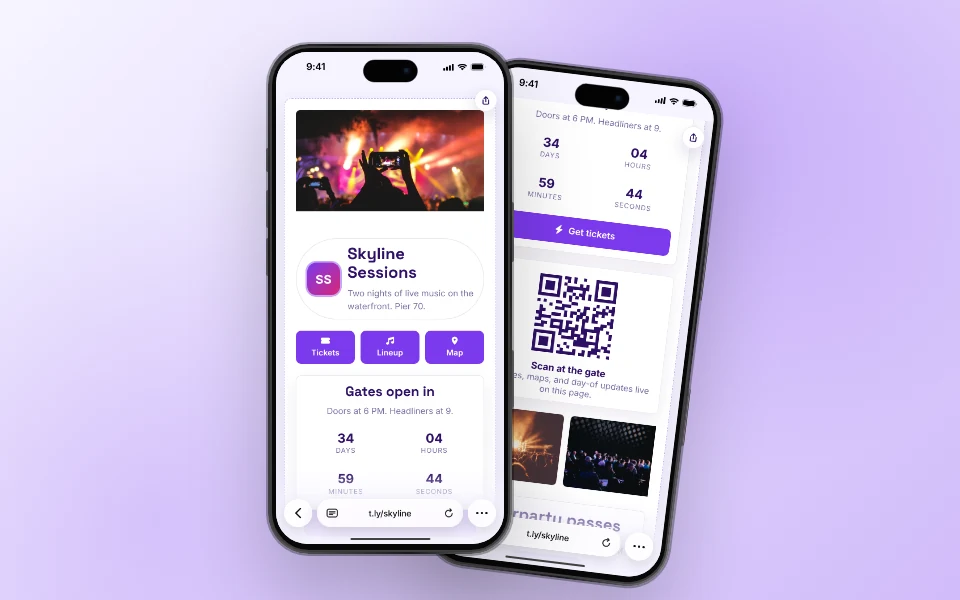
Tickets, schedule, map, and day-of updates on one page that badges and posters can point to.
Events Use CaseLaunch a OneLink that stays flexible after you publish it, then keep sharing the same branded URL everywhere.




