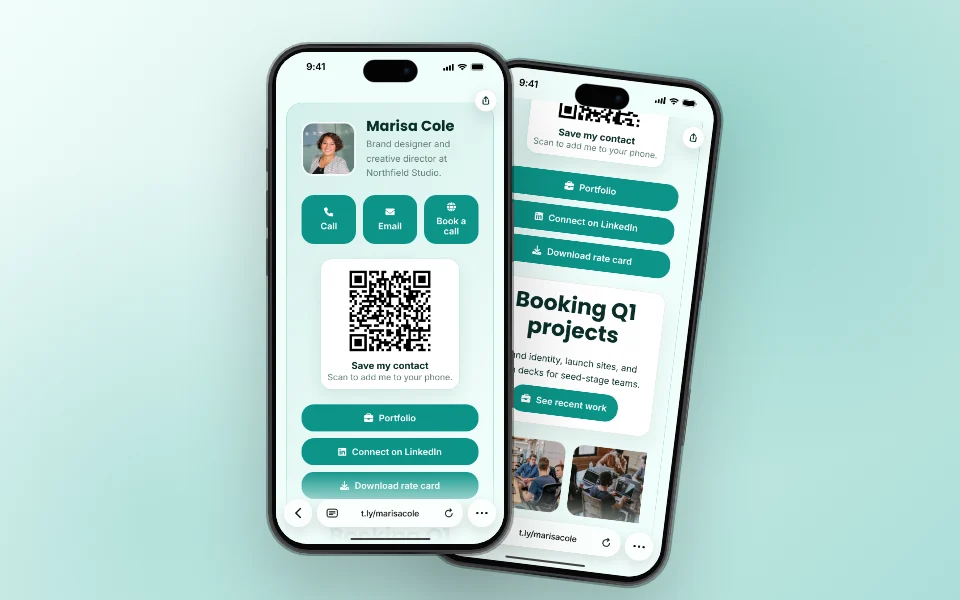
Digital Business Cards With OneLinks
A digital card people can save, book from, and open with a QR, on your own short URL.
Business Cards Use CaseGive buyers one mobile-friendly property hub for the next steps that actually matter: view the listing, open the virtual tour, scan a yard sign QR code, sign in at an open house, save the agent, get directions, browse photos, or book a showing. T.LY OneLinks help agents and brokerages turn one short URL into a better real estate marketing page.
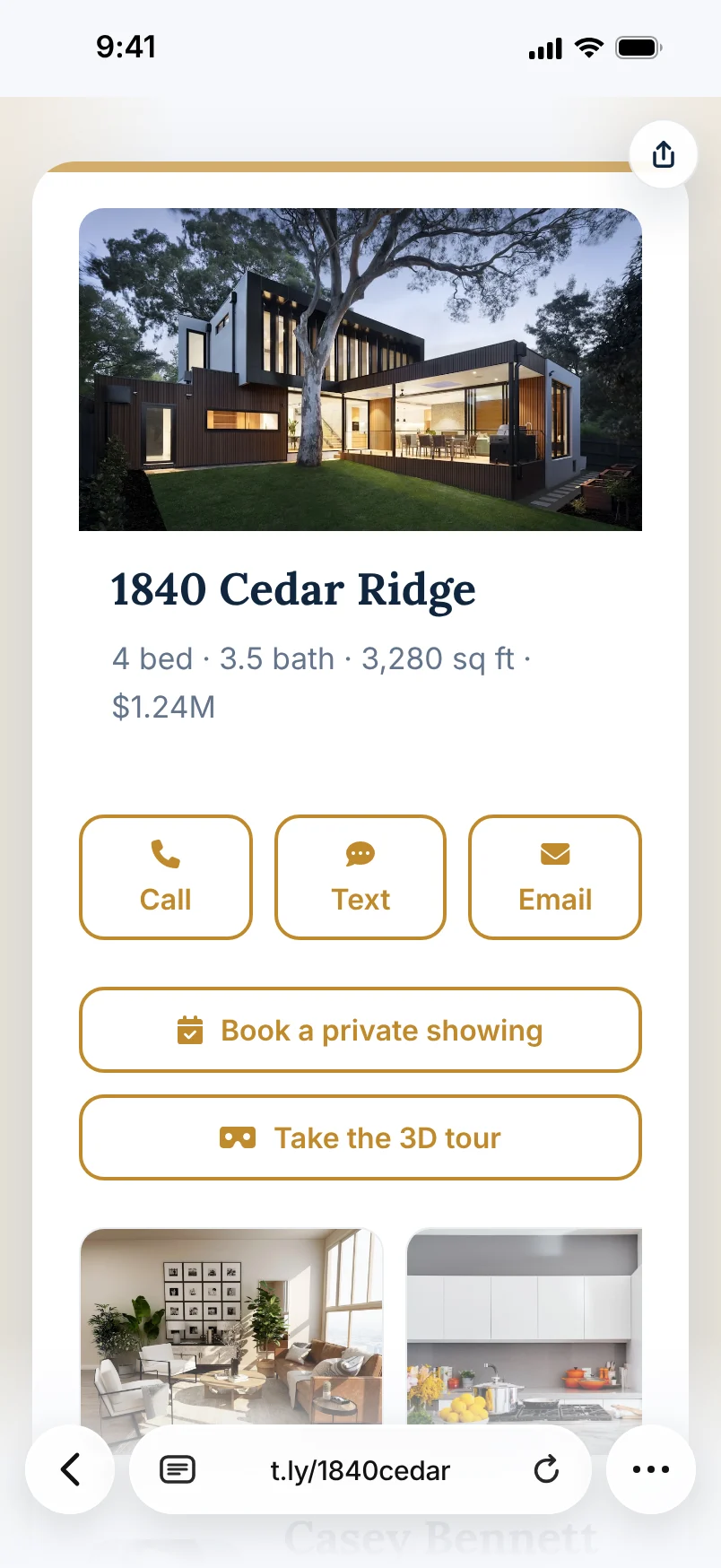
A buyer may need photos, a virtual tour, financing info, agent contact, open house details, directions, or a sign-in form. OneLink keeps those actions together.
Use one branded page behind listing flyers, property flyers, yard sign QR codes, brochure boxes, postcards, and open house QR codes instead of sending buyers to a cluttered homepage.
Reorder the page as a listing moves from launch to open house to price change to backup property, without replacing the main URL people already have.
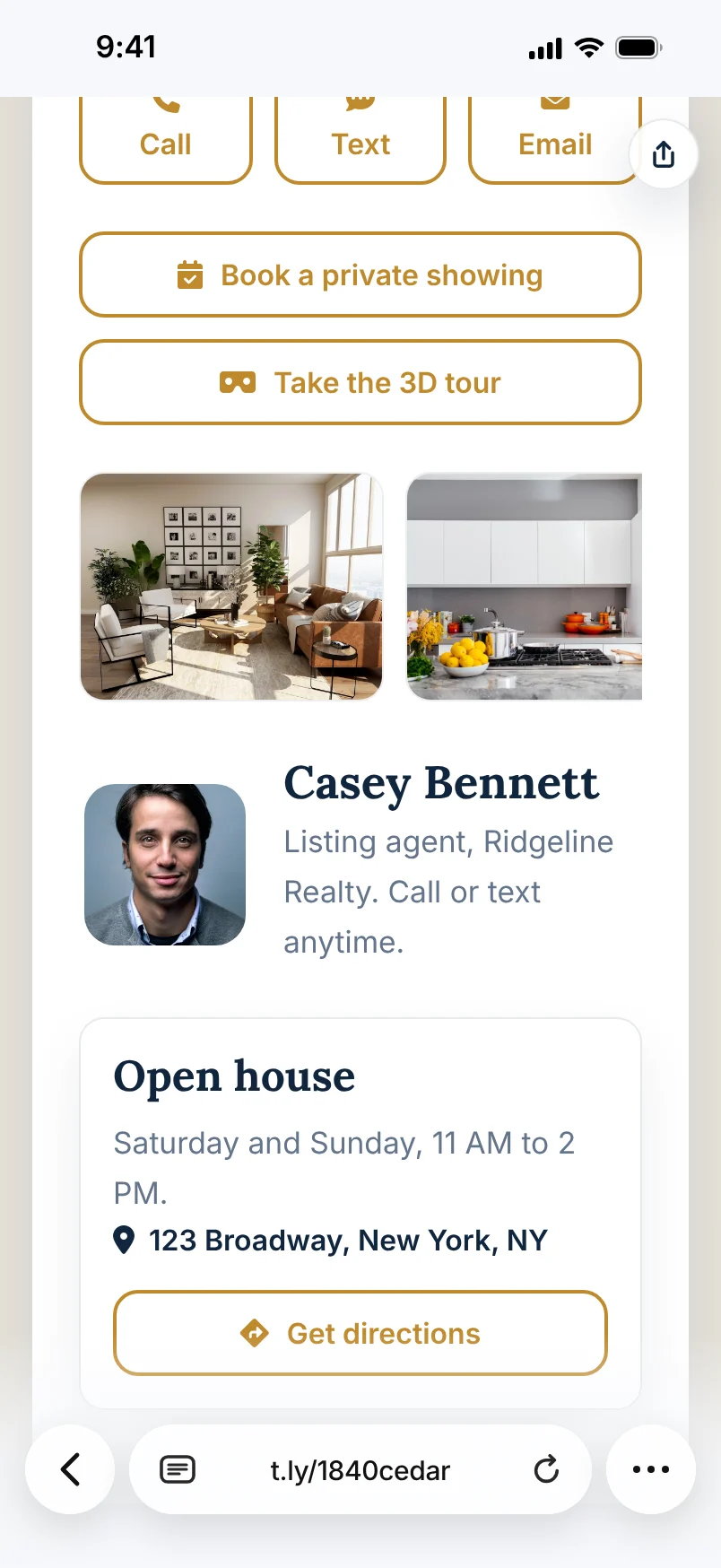

Most real estate pages should put the main property CTA first, then include supporting actions like a virtual tour, gallery, map, brochure, open house sign-in form, and agent contact.
Yes. OneLinks work well as the destination behind yard signs, listing flyers, postcards, brochure boxes, and open house materials because the page can be updated later.
Yes. Use the Real Estate Flyer Builder to create a printable property flyer block with a short link, flyer QR, yard sign QR, open house sign-in QR, and agent contact details.
Often yes. A OneLink can keep listing and contact actions together while still helping buyers understand the next best step.
Yes. You can refresh the live page for price changes, open-house details, backup listings, or follow-up actions without changing the core URL.
A digital card people can save, book from, and open with a QR, on your own short URL.
Business Cards Use Case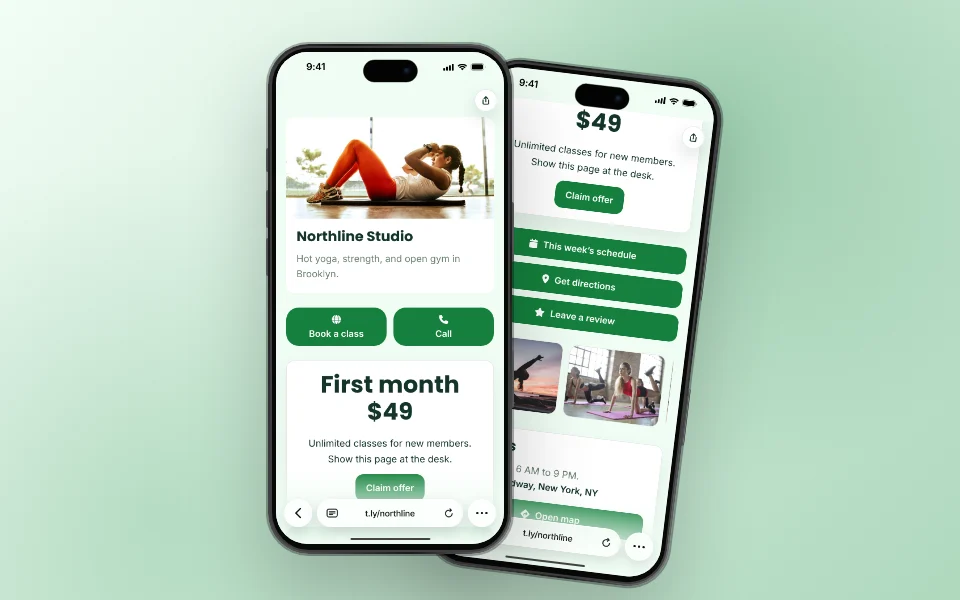
Hours, map, booking, menu, and offers on one page for your window, receipts, and profiles.
Local Businesses Use Case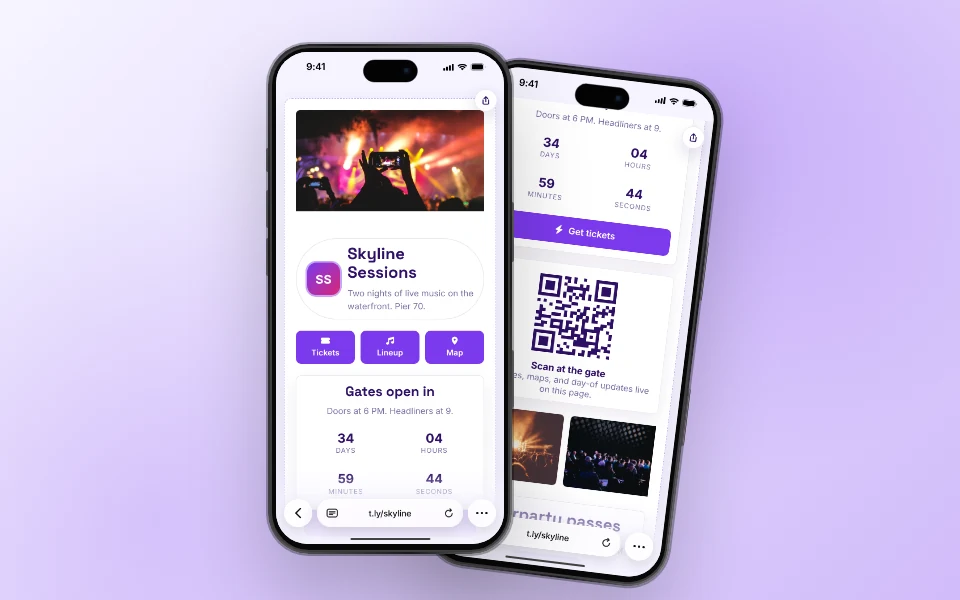
Tickets, schedule, map, and day-of updates on one page that badges and posters can point to.
Events Use CaseLaunch a OneLink that stays flexible after you publish it, then keep sharing the same branded URL everywhere.




