T.LY
T.LY
  • Link Management OneLinks Link Tracker QR Code Management URL Shortener Extension Permanent Links Short URL Expander
  • Pricing Blog Changelog API Documentation Integrations Help Center Affiliate Program Tools
  • How URL Shorteners Work T.LY vs Bitly Best URL Shorteners T.LY vs TinyURL Best URL Shortener API T.LY vs Rebrandly
  • Log in
  • Sign up free

Search T.LY

Find a link in your workspace

Pages, help, free tools, and the blog↑ ↓ to move Enter to open

  1. OneLinks
  2. Link In Bio for Creators
Creator use case

Link In Bio for Creators

Turn one bio link into a polished mobile landing page for your latest video, storefront, affiliate picks, social channels, and current campaign. T.LY OneLinks help creators update priorities fast without rebuilding a site every week.
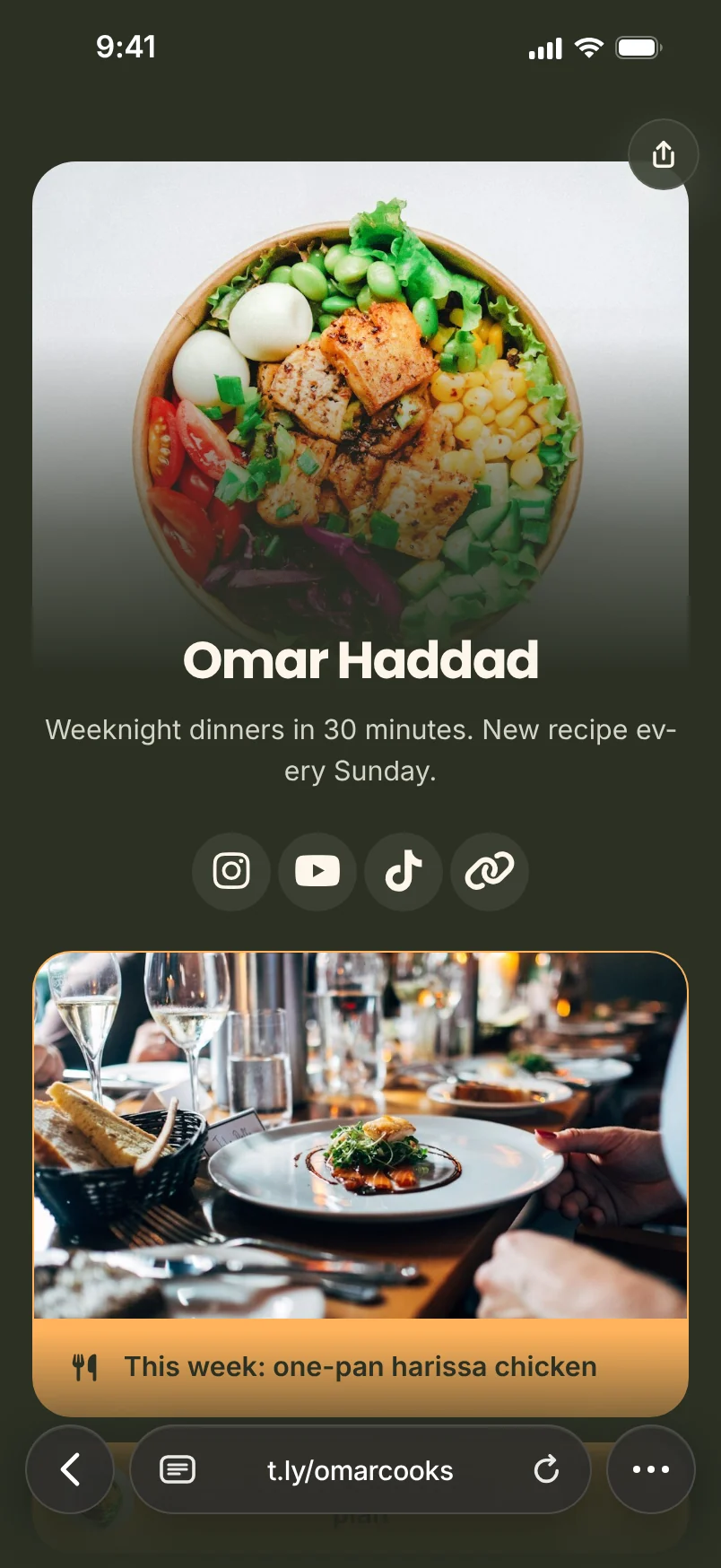
Build Your Creator OneLink See OneLinks Overview
Creator bio templates Latest content links Video + social blocks Custom short URLs Visit + click analytics

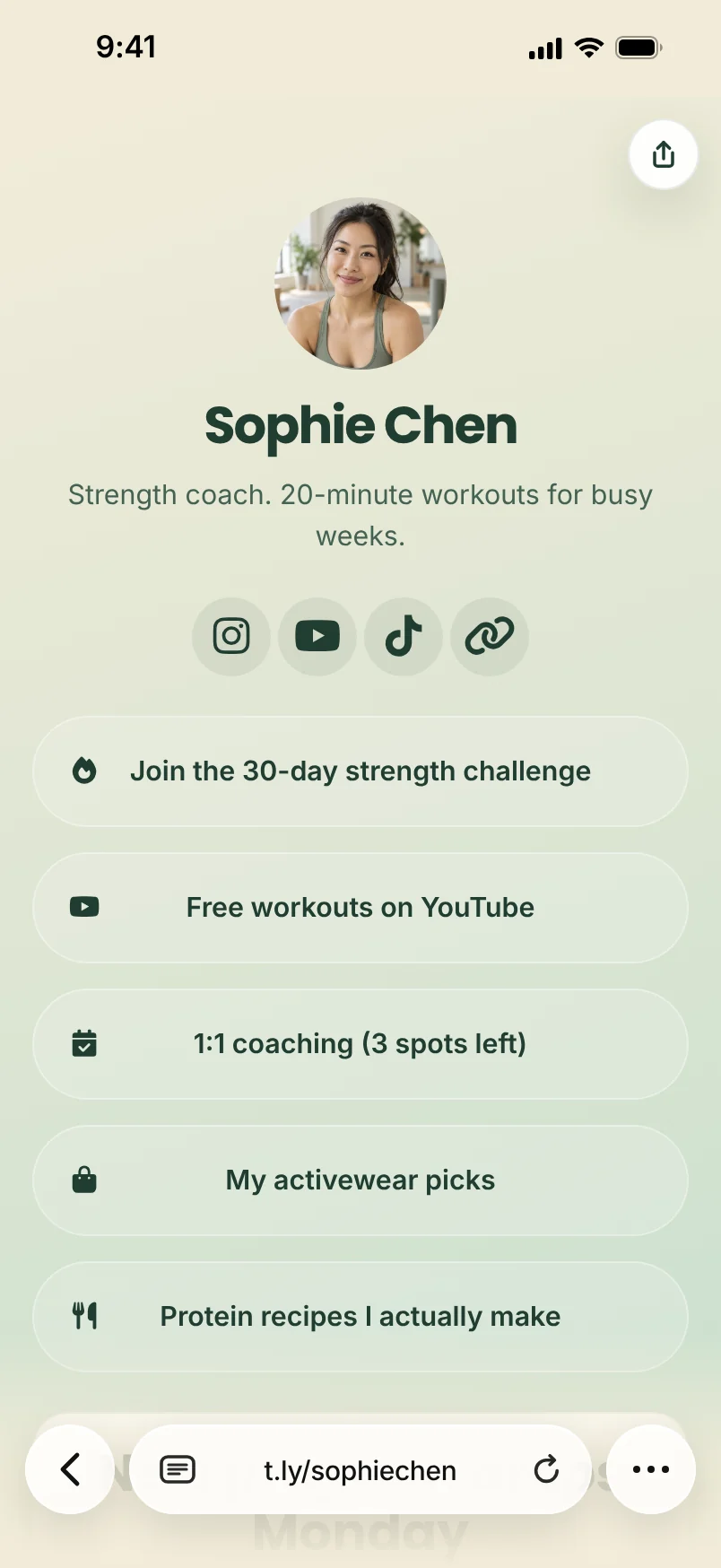
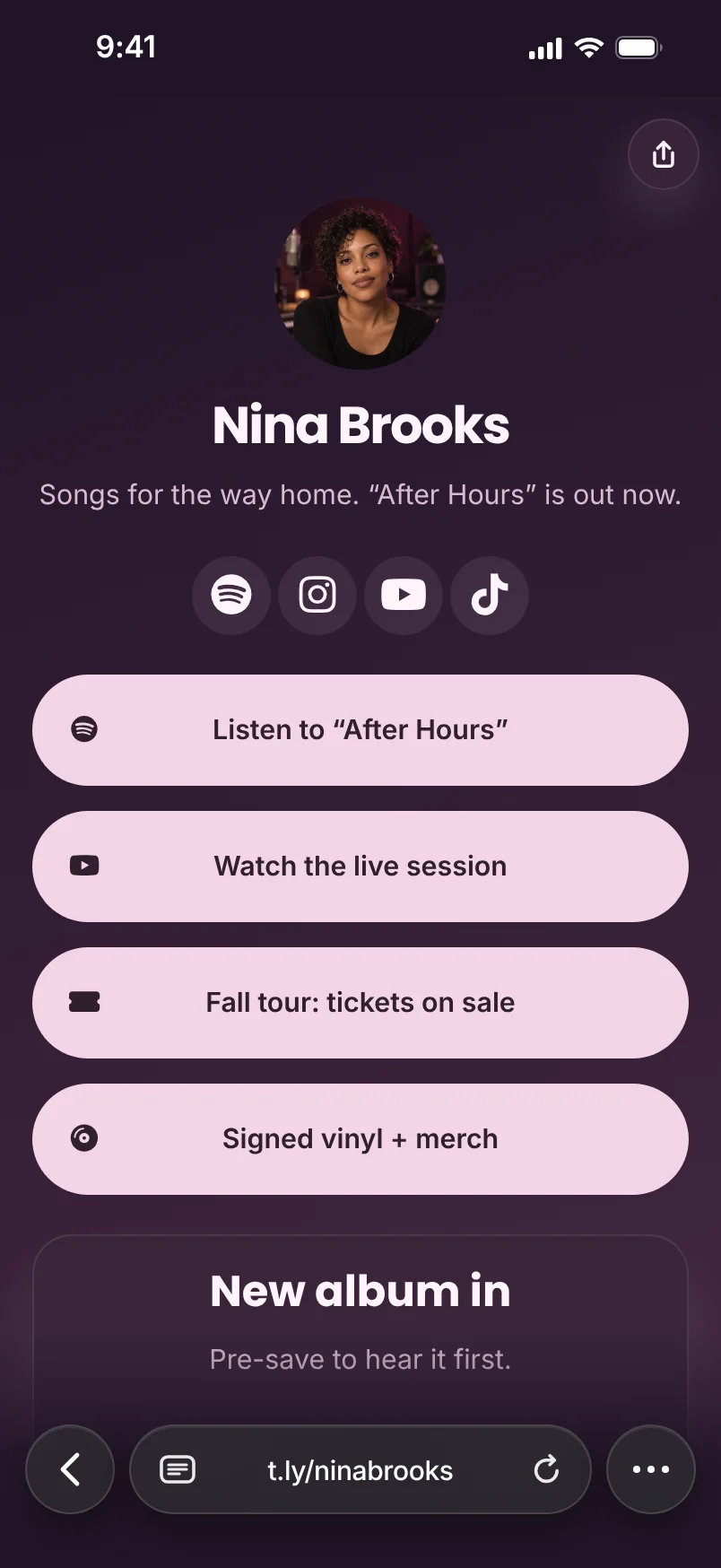
Your links. Your look.

A new video, a workout plan, your next show. Choose a layout, pick a look, and make it yours.

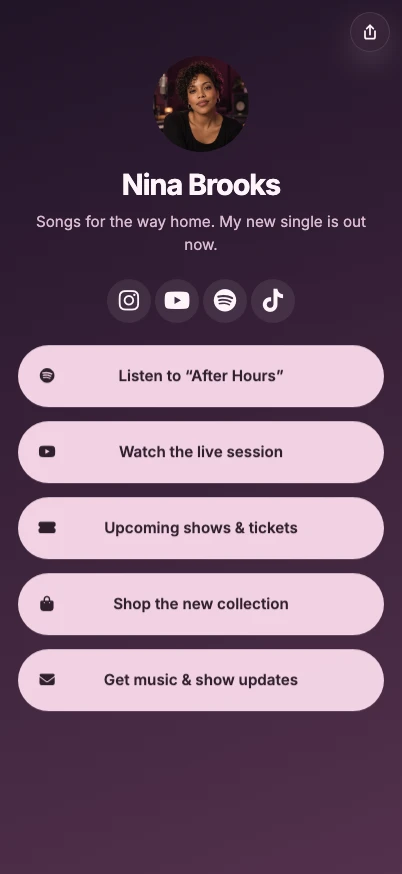
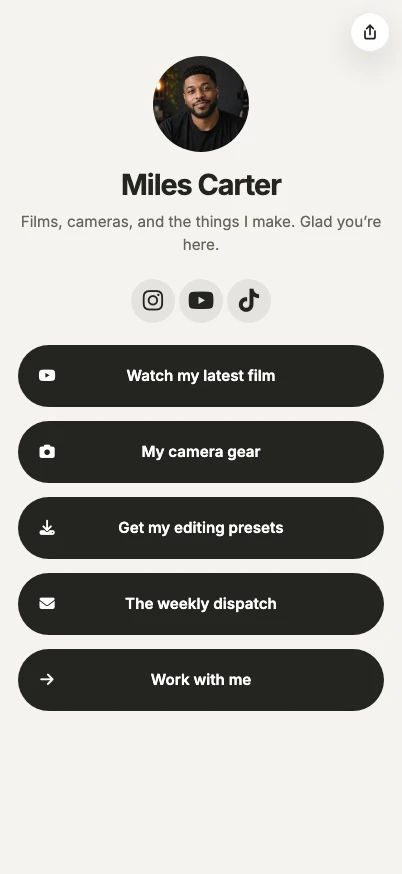
Video & photography
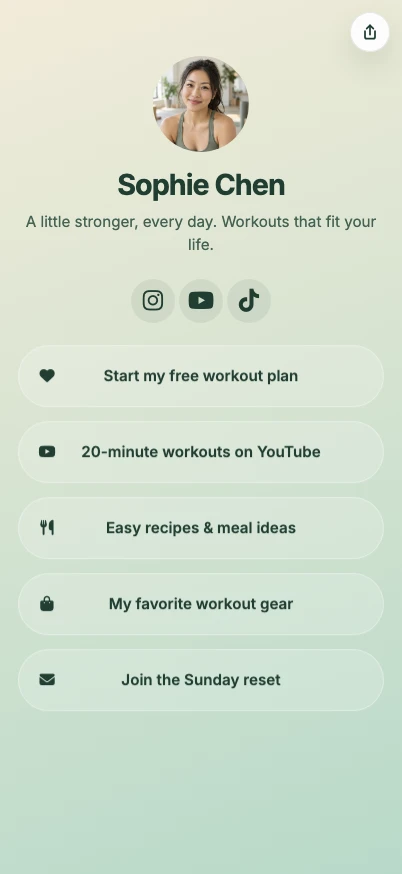
Miles Carter

Create your OneLink →

Fitness & wellness

Sophie Chen

Create your OneLink →

Music & artists

Nina Brooks

Create your OneLink →

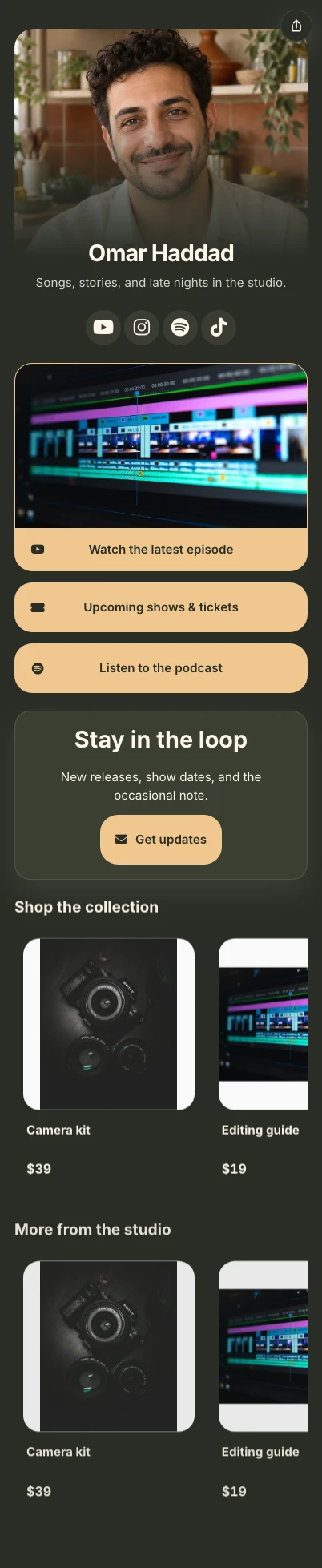
Music & merch

Omar Haddad

Create your OneLink →

What A OneLink Fixes Here

You only get one link in your bio

Use that one slot to send people to a page that can hold your newest video, product links, socials, and current campaign instead of forcing everything into one destination.

Campaign priorities change constantly

Swap the top button from a merch drop to a sponsor campaign to a new video without editing every social profile again.

Audience paths are hard to measure

Track page visits and button clicks so you can see whether followers care more about content, products, or off-platform destinations.
How To Set It Up In T.LY

  1. Start with a bio template, then add your profile, featured buttons, social icons, and optional video or podcast sections.
  2. Publish on a clean T.LY short URL or your own custom domain, then place it in Instagram, TikTok, YouTube, X, Threads, and creator profiles.
  3. Reorder the top actions as campaigns change and review visit and click data to keep the page aligned with what followers actually use.

Creator Examples: Bio Links, Merch Drops, and Meetups

  • Put the same page in Instagram, TikTok, YouTube, podcast, and newsletter bios while the top button changes from new video to sponsor offer to merch drop.
  • Add a QR to a merch table, live taping, pop-up booth, or creator meetup so fans can open current links without typing a URL.

Why T.LY Works Better

  • Update your main CTA without touching every social profile manually.
  • Blend social links, content links, product links, and contact paths on one mobile-friendly page.
  • Pair the same OneLink with QR codes for meetups, merch tables, and live events.
  • Use analytics to learn which buttons deserve the top spots.

Recommended T.LY Products

  • Link Tracker
  • Link Management
  • QR Code Generator

Helpful Reading

  • OneLinks basics
  • Templates and styling
  • OneLinks analytics

FAQ

What should creators put first on a link in bio page?

Put the single action that matters most right now at the top, such as a new video, merch drop, sponsor page, waitlist, or booking request.

Can I reuse the same OneLink across multiple social platforms?

Yes. OneLinks are meant to act as the shared destination for Instagram, TikTok, YouTube, podcast bios, email signatures, and more.

Can creators track which buttons get the most clicks?

Yes. T.LY OneLinks include analytics so you can review visits and button engagement over time.

Can I use QR codes with a creator bio page?

Yes. T.LY can pair your OneLink with a QR code for live events, printed materials, merch tables, or speaker appearances.
More OneLink Use Cases

View all use cases
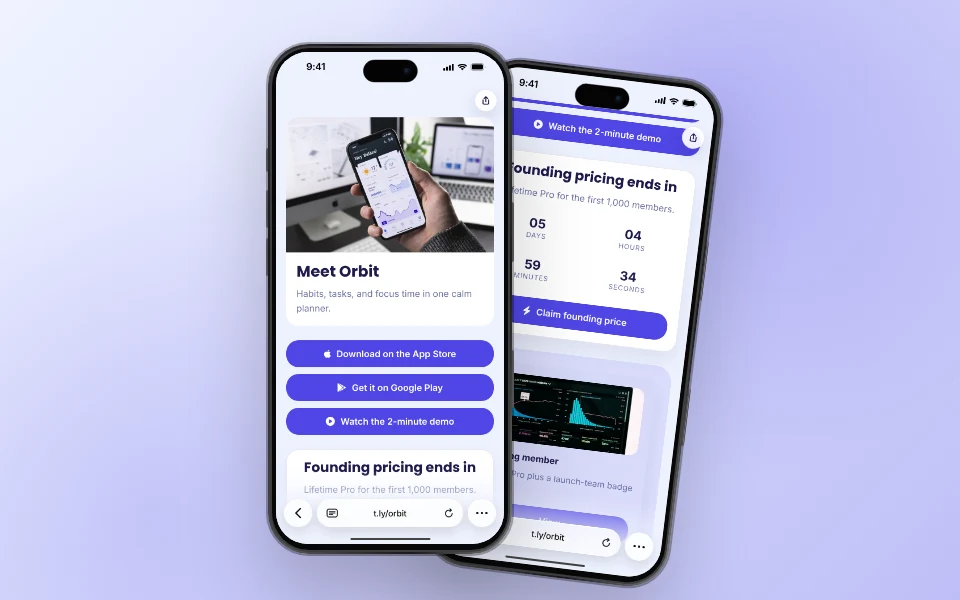
Orbit's app launch OneLink, shown on two iPhones.

OneLinks for App Launches and Waitlists

Waitlist, demo, pricing, and store buttons on one page that moves with the launch.

App Launch Use Case
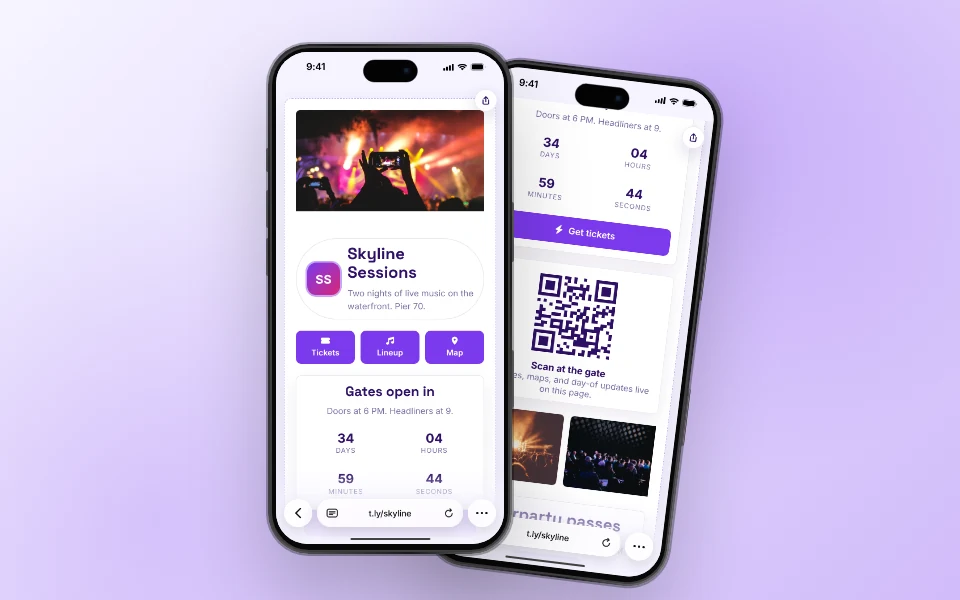
Skyline Sessions event OneLink, shown on two iPhones.

OneLinks for Events

Tickets, schedule, map, and day-of updates on one page that badges and posters can point to.

Events Use Case
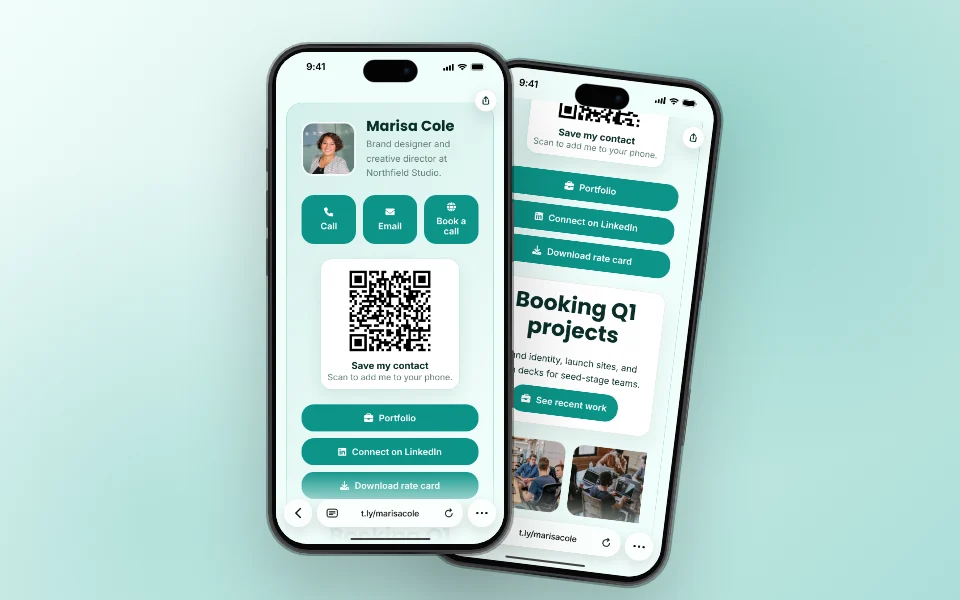
Marisa Cole's digital business card OneLink, shown on two iPhones.

Digital Business Cards With OneLinks

A digital card people can save, book from, and open with a QR, on your own short URL.

Business Cards Use Case

Ready to build this in T.LY?

Launch a OneLink that stays flexible after you publish it, then keep sharing the same branded URL everywhere.


Build Your Creator OneLink

Footer

T.LY

Short links, QR codes and link-in-bio pages, with the analytics to see what's working.

Sign up free Log in

1M+ users · 60M+ links and QR codes created

Product

  • Link management
  • Click analytics
  • QR codes
  • Link in bio
  • Permanent links
  • Integrations
  • Pricing

Free tools

  • Create a short link
  • QR code generator
  • URL expander
  • Bulk URL shortener
  • Short domain finder
  • All free tools

Resources

  • Help center
  • API docs
  • Blog
  • Changelog
  • Press kit

Compare

  • T.LY vs Bitly
  • T.LY vs Rebrandly
  • T.LY vs TinyURL
  • Best URL shorteners

Company

  • About
  • Careers
  • Affiliates
  • Contact
  • Trust & Safety

Get T.LY where you work

  • Chrome extension
  • Firefox add-on
  • Safari extension
  • QR code extension
  • Mobile app
  • Google Sheets add-on
© 2026 T.LY Privacy Terms Report abuse

Shorten your next link without opening T.LY

Add the free T.LY extension and turn any page into a short link in one click. It's copied to your clipboard, ready to paste.

  • One-click short links from any page
  • Copies straight to your clipboard
  • Free, no account needed
Add to Chrome ★★★★★ Loved by 450,000+ people
T.LY extension with a short link and controls to copy, edit, and create a QR code

Available for

Loading…