
Migrating to T.LY from Another URL Shortener
Switching to a new URL shortener can feel annoying, especially if you already have links in active campaigns. T.LY makes the move pretty straightforward. Here is a step-by-step way to do it without creating extra cleanup work later.
Step 1: Sign Up For a T.LY Account
First things first, head over to T.LY and create an account. The sign-up process is simple and quick.
Step 2: Export Your Existing Data
Before you bid farewell to your current URL shortener, make sure to export all your existing data. This includes all the shortened URLs, analytics data, and any custom settings you may have.
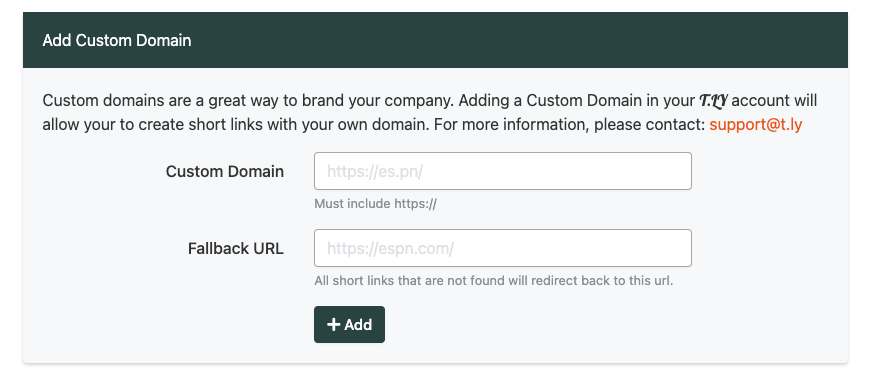
Step 3: Add Your Custom Domain
If applicable, add your custom domain to T.LY. This will allow you to import your short links to this domain. Just remember, do not update the DNS records for this custom domain until all your short links have been imported.
Step 4: Import Your Data to T.LY
Now it is time to bring that data into T.LY. The bulk import feature keeps the process simple.

Step 5: Test The Waters
Before you go all out, test a few links to ensure they're redirecting correctly, and the analytics are tracking as intended. It's always good to double-check.
Step 6: Update Your Links Across Platforms
Now that you've set up and tested your T.LY links, it's time to update the URLs across your website, social media profiles, and any other platforms you use. If you use a custom domain, updating these URLs is unnecessary. They should start working automatically with T.LY.
Step 7: Dive into the Analytics
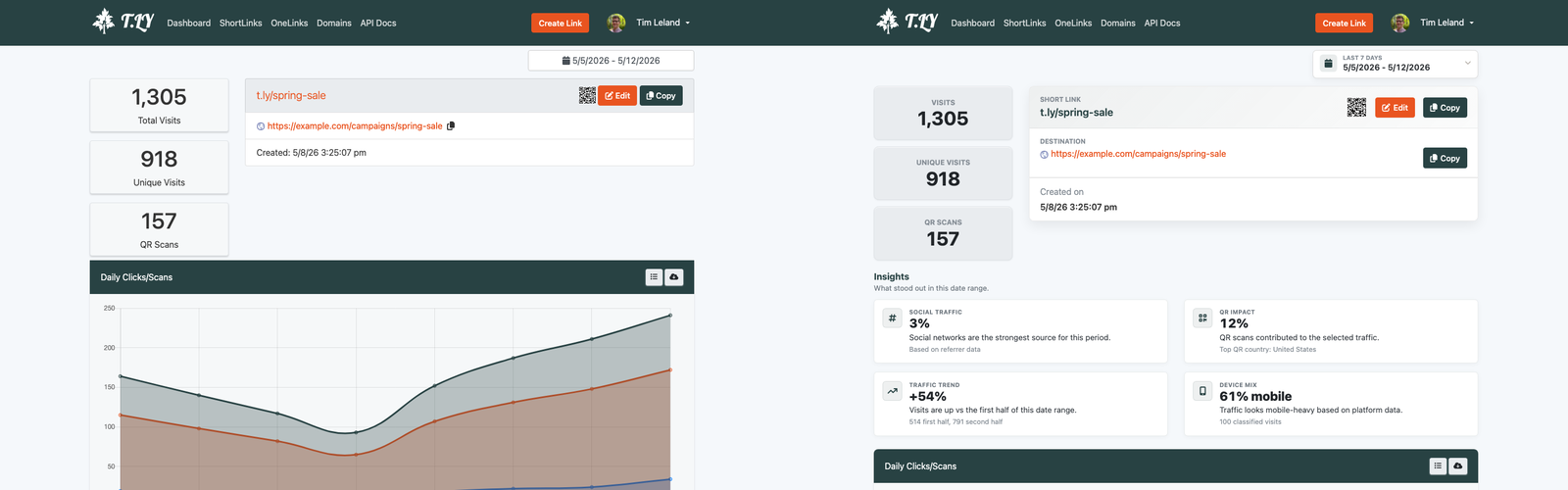
T.LY gives you clear analytics so you can see how your links perform and spot what needs work.
If you follow these steps, the move to T.LY is usually pretty smooth. Once your links are in, you can focus on tracking, branding, and link management instead of babysitting a migration.
Related Posts



Tim Leland
Useful Tools
Ready to improve how you manage links?
T.LY URL Shortener makes long links look cleaner and easier to share! Add your own Custom Domains to personalize your brand. Create Smart Links to customize a URL's destination. Generate QR codes to promote your business.
Start your 5-day trial Browser Extension



